
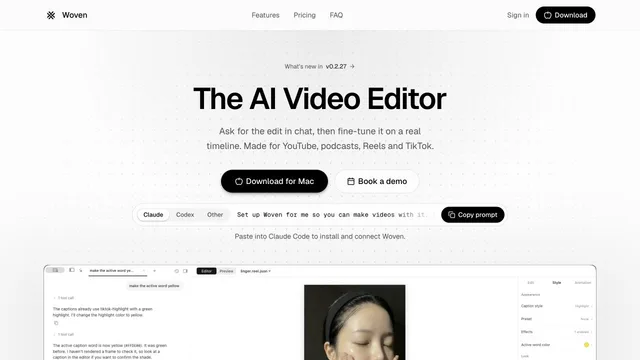

Direct video edits in chat and refine them on a Mac timeline.
Updated
These tools ship a native client: a desktop installer, a mobile app, or both. A browser editor can still be the right choice, but it will not appear here unless the vendor also publishes an app.
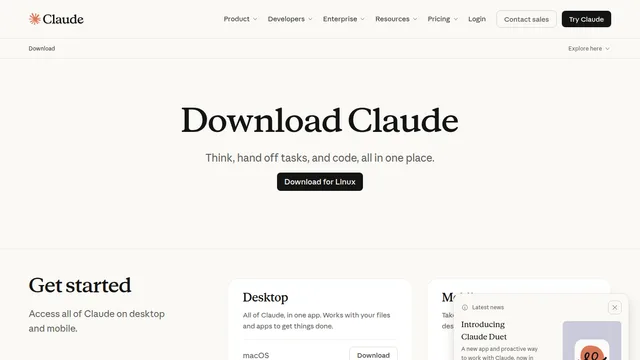
Woven is macOS only. Colourlab Ai 4 lists Apple silicon. Claude’s Linux build is a beta for Ubuntu and Debian. CapCut’s desktop page lists Windows and macOS.
DaVinci Resolve, Descript, CapCut, and Filmora are editors. Claude and Strawberry are assistants. Raycast is a launcher that can call AI without leaving the keyboard.
Every platform badge on a tool page goes to an official download, store listing, or product page. Avoid repackaged installers from other sites.
Price and platform notes were taken from official pages on 27 October 2026. Open a profile for the source link and the limits that sit next to the price.
| Tool | Price | Platform | Best for |
|---|---|---|---|
| Claude | Free; Pro $20/mo or $17/mo annual | macOS, Windows, Linux beta, mobile | Assistant with local files |
| Descript | Free; Hobbyist from $16/mo annual | macOS 14+, Windows 11+ | Transcript video editing |
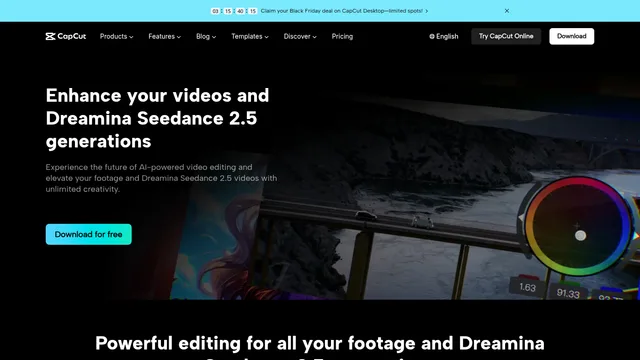
| CapCut | Free download; Pro $19.99/mo | Windows, macOS | Short-form desktop editing |
| DaVinci Resolve | Free; Studio $236 | Mac, Windows, Linux | Color, edit, Fairlight, Fusion |
| Raycast | Free; Pro $10/mo or $96/yr | macOS, Windows 10+ | Keyboard launcher with AI |
| Strawberry | Free; Intern $20/mo | Desktop browser | Companions that use the web |
| Woven Video | $39/mo or $25/mo annual | macOS | Chat plus a local timeline |
| HyperFrames Studio | Desktop downloads published | macOS, Windows, Linux | Agent-authored video projects |
Sorted by the newest sourced update, then by launch date. A blank cell means that date was not on an official page we could read.
| Tool | Launched | Latest update | What shipped |
|---|---|---|---|
| Woven Video | Not sourced | Official changelog dates version 0.2.27 on 26 Oct 2026: a small integration and pricing-clarity update. | |
| Descript | Not sourced | Changelog entry dated 13 Oct 2026 for the 12 Oct roundup: better file search, Enterprise recording without a calendar wrangle, and new AI-voice lines that keep your accent. | |
| Riverside | Not sourced | Official product update dated 7 Sep 2026: the full Riverside Editor inside the native Mac app, listed as Free. |
Direct video edits in chat and refine them on a Mac timeline.
Updated
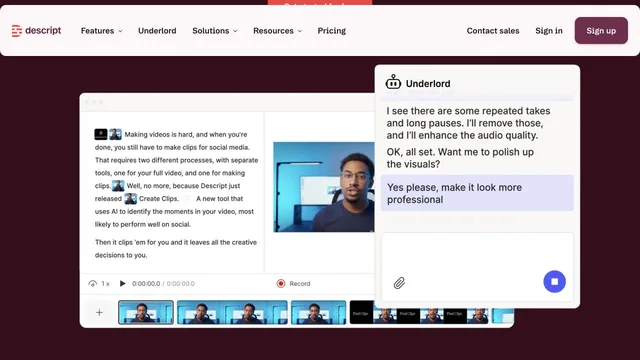

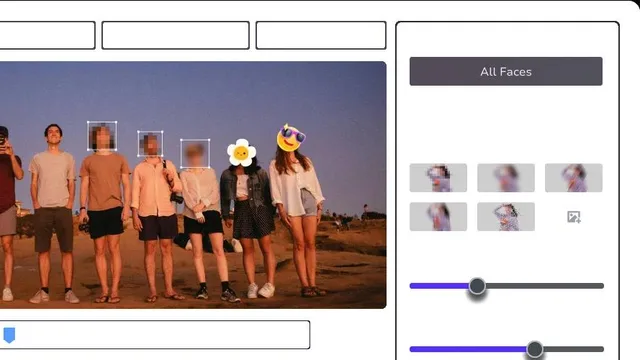
Enhance, upscale, and selectively blur video with dedicated AI tools.
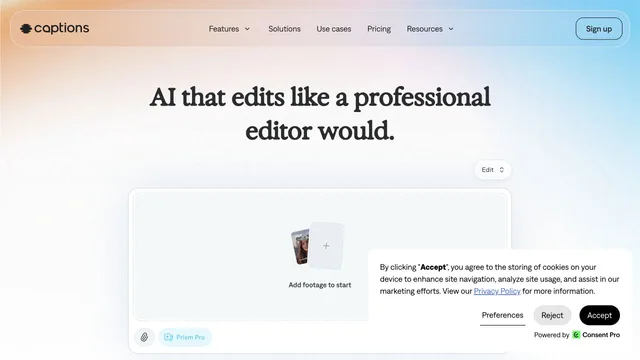
Edit spoken footage with AI styles, captions, and conversational controls.
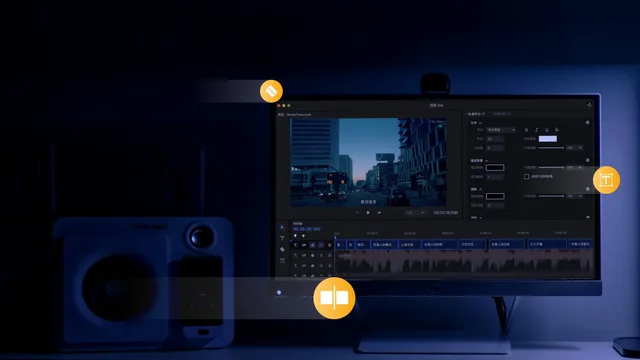
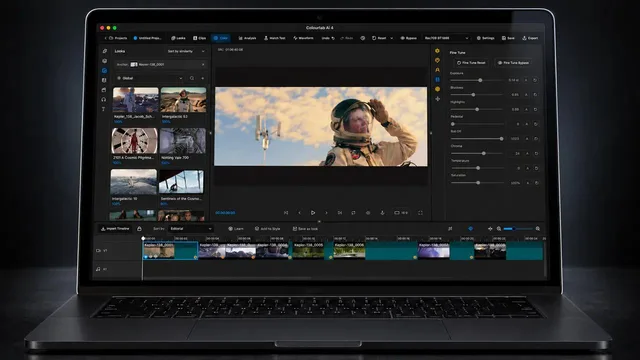
Balance shots and develop a consistent color treatment with AI assistance.
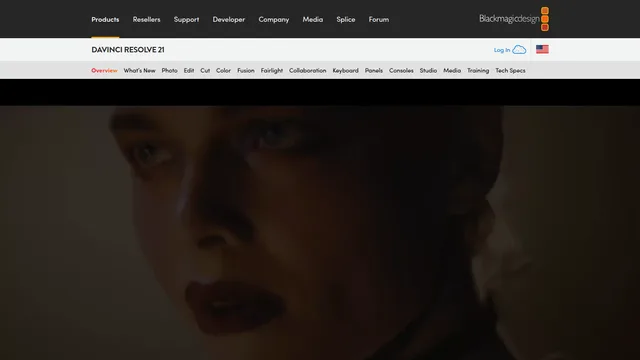
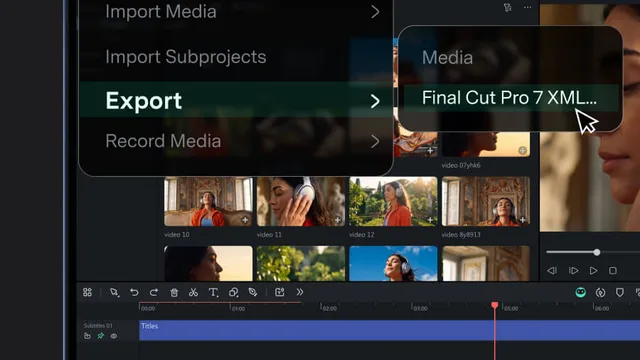
Combine timeline editing with AI generation, captions, and audio tools.
Find video enhancement, editing, conversion, and translation in one product family.
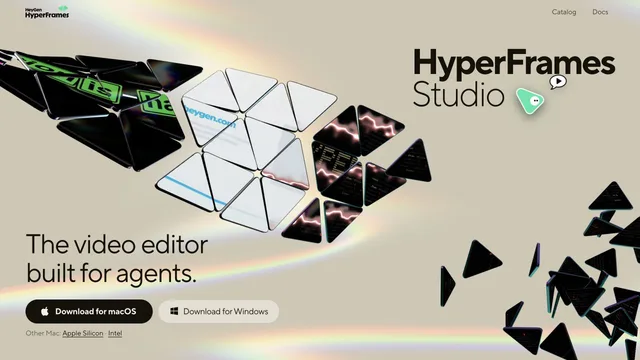
Build editable video projects with agents and ordinary web technology.

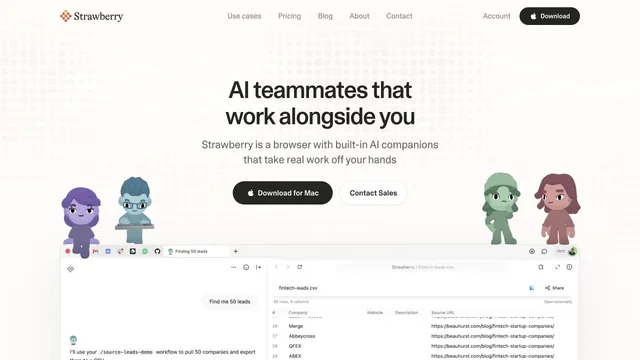
Use browser context and personal agents to research and create visual work.

Not in this edition. The public OpenAI desktop page returned an error when we checked it on 27 October 2026, so we did not publish a profile or a download link we could not read.
Descript, CapCut Desktop, DaVinci Resolve, Filmora, Woven, Colourlab, HitPaw’s desktop products, Wink, and Changci publish native editors. HyperFrames Studio also offers macOS, Windows, and Linux downloads.
Sometimes. DaVinci Resolve’s free download is a full editor, with Studio sold separately at $236 on the product page we checked. CapCut Desktop is free to download, while Pro and Ultra add credits and premium tools. Claude’s desktop app works on the free plan, with Cowork and Claude Code limited on Linux to paid plans.
Check the badge row on the tool page, not the category name. A tool can be in Desktop & mobile apps and still support only one system. Woven’s own page says macOS today, and Windows and Linux are not supported yet.


