
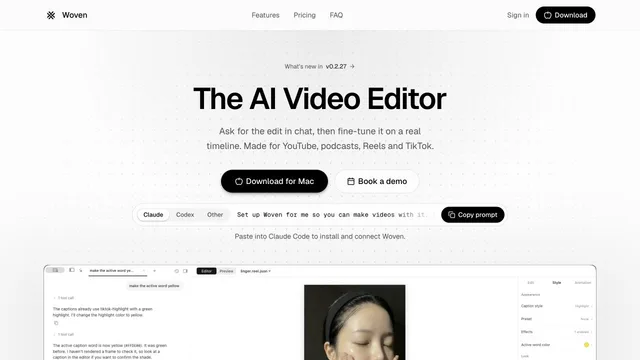

Direct video edits in chat and refine them on a Mac timeline.
Updated
Edit short videos on a free desktop timeline for Windows and macOS.
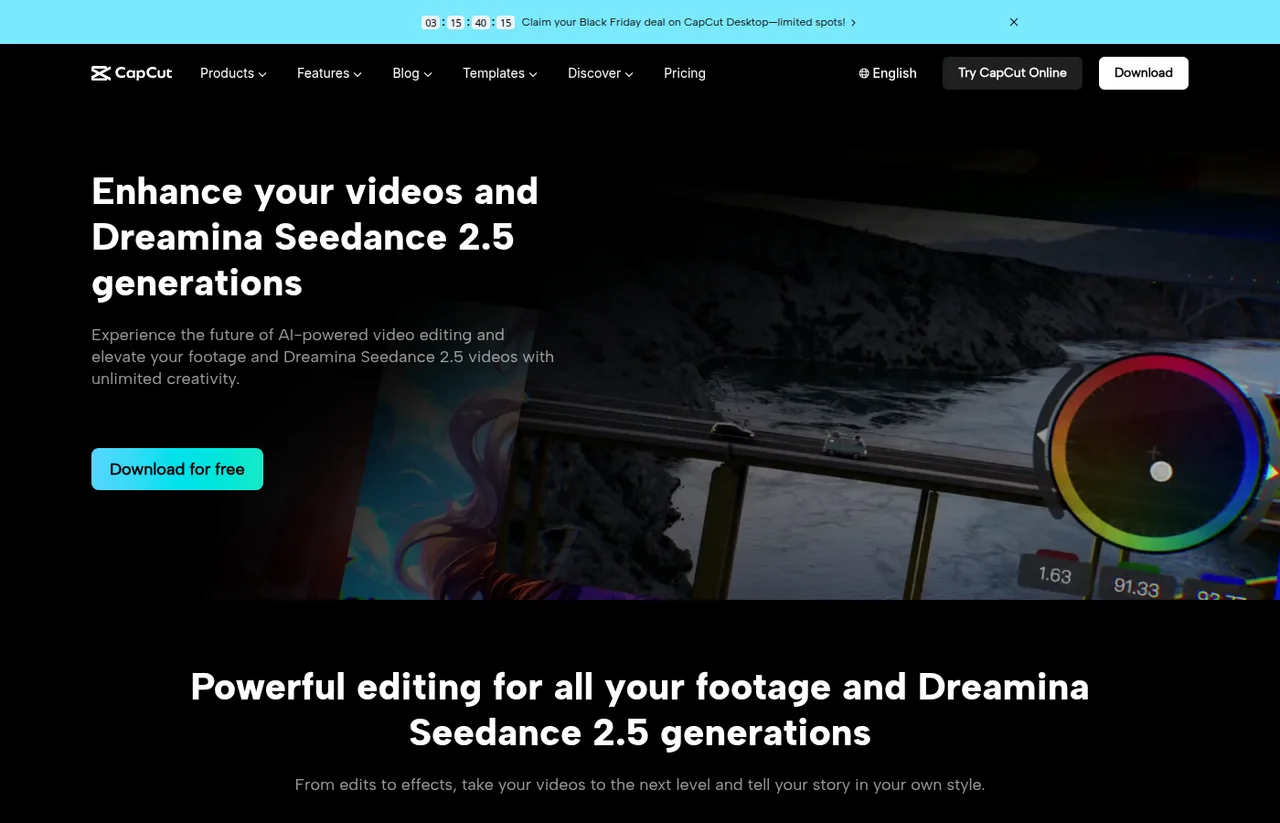
CapCut Desktop is ByteDance’s timeline editor for recorded footage, captions, and short-form layouts. The official desktop page offers a free download for Windows and macOS, with effects, keyframes, auto captions, and subject-aware reframing. Paid plans add credits for Seedance generation. The pricing page says the displayed amounts are a reference until you sign in.
Download the desktop app, import local footage, and cut on the timeline. Add captions or change the aspect ratio, then check the signed-in price before you rely on Pro generation.
The pricing page says displayed prices are for reference only and can change after sign-in. Monthly cards show Free at USD 0, Pro at USD 19.99/month, Ultra at USD 79/month, and Teams at USD 12.49/month per seat. Yearly cards show Pro at USD 179.99/year and Ultra at USD 900/year.
Free includes free templates and basic editing tools. Desktop is offered as a free download. Seedance video generation on the pricing page is tied to Pro and Ultra credits.
Prices checked . Official pricing page
In. Local footage plus CapCut and Dreamina Seedance generations.
Out. Edited videos, captions, and resized cuts.
Formats. The desktop FAQ says import and export support a wide range of audio and video formats, without listing every extension on that page.
Treat the public Pro price as a reference. The pricing page says the final amount can change after sign-in.
This profile summarizes public product information and adds workflow guidance. It is not a hands-on performance review. Check the official website for current prices, limits, and availability.
Source check:
Direct video edits in chat and refine them on a Mac timeline.
Updated
Build editable video projects with agents and ordinary web technology.

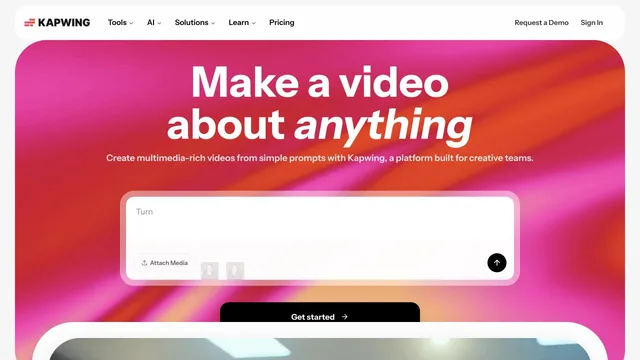
Edit browser videos with a timeline, transcripts, and an AI agent.
Updated


