AI video editing
Captions
Edit spoken footage with AI styles, captions, and conversational controls.
What it does
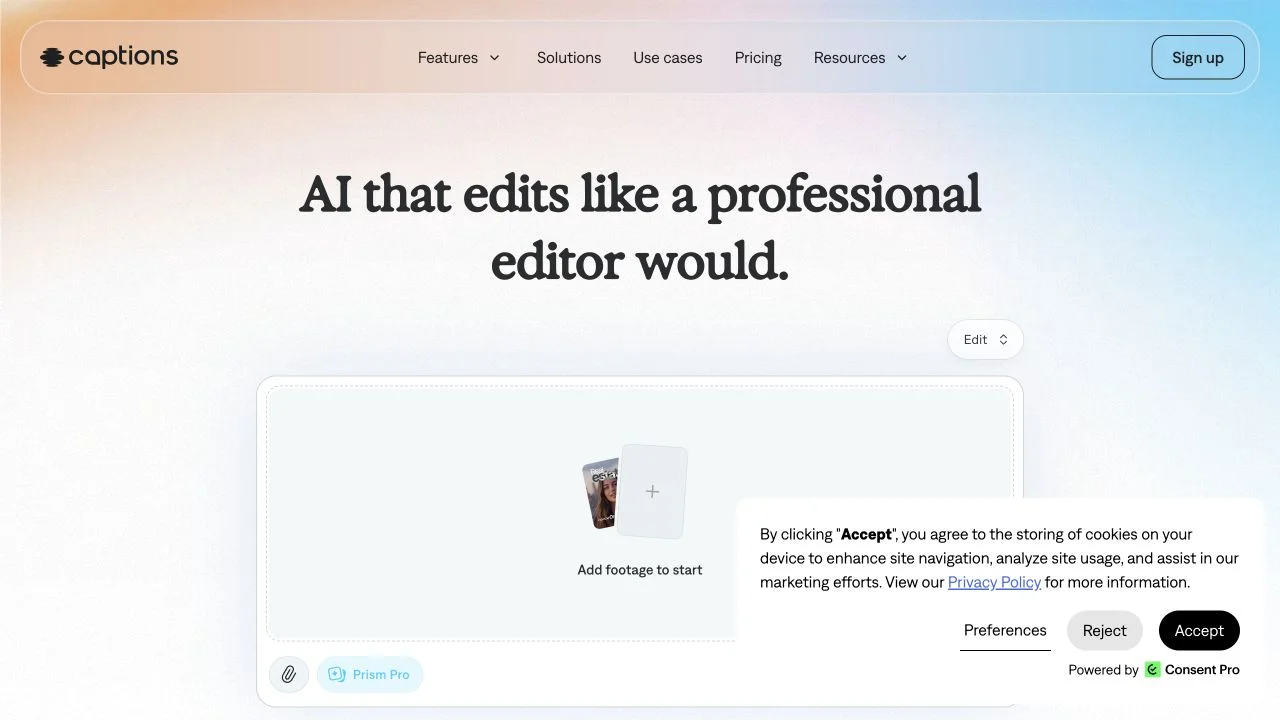
Captions is an AI video editor for turning footage into an edited sequence. The official site describes style-based cuts, B-roll, automatic captions, translated subtitles, and chat-driven changes. It also offers digital avatars and twins, eye-contact correction, noise removal, and pause trimming, giving presenter-led creators several ways to refine both delivery and presentation.
Where it fits
Upload the recording and choose an editing style, then review the initial cut. Use specific instructions to adjust B-roll or pacing, check every caption, and inspect face treatment and audio before approving the finished video.
Before you commit
Review the complete cut after automatic pause removal or face adjustments to preserve the speaker’s meaning and appearance.
Sources & editorial notes
This profile summarizes public product information and adds workflow guidance. It is not a hands-on performance review. Check the official website for current prices, limits, and availability.
Source check:
Keep exploring


Build editable video projects with agents and ordinary web technology.