What it does
Riverside combines recording with editing and repurposing tools for spoken content. Separate recording tracks can move into an editor with transcript controls, scenes, branding, and AI-assisted graphics. The platform also supports publishing workflows, making it relevant to teams producing interviews, podcasts, tutorials, and recurring video series from their recorded sessions.
Where it fits
Record a session or bring in existing footage, review the transcript, and shape the spoken structure first. Refine scenes, add the relevant branding or graphics, and inspect the full conversation or shorter excerpts before exporting or publishing.
Before you commit
Recording and editor capabilities depend on the plan and platform you choose.
Release & update notes
Dates below refer to the linked announcement or Product Hunt launch. They are separate from the date this profile was added.
- Official announcement / update · ↗
Official dated new release: full Riverside Editor inside native Mac app, listed Free. New editor itself is dated July 16 and motion graphics July 27, both older than 90 days.
Sources & editorial notes
This profile summarizes public product information and adds workflow guidance. It is not a hands-on performance review. Check the official website for current prices, limits, and availability.
- Official product website
- Official product announcements
- Official walkthrough published September 2 lists recording, transcript editing, scenes, AI tools, motion graphics, and publishing.
Source check:
Keep exploring

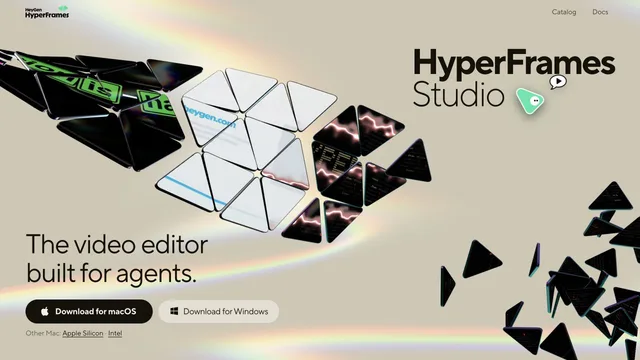

Build editable video projects with agents and ordinary web technology.