
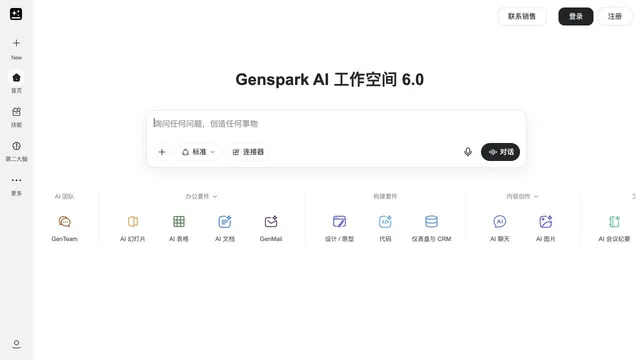

Connect research, presentations and agent-directed media production.
Updated
Launch apps and run AI from the keyboard on Mac or Windows.
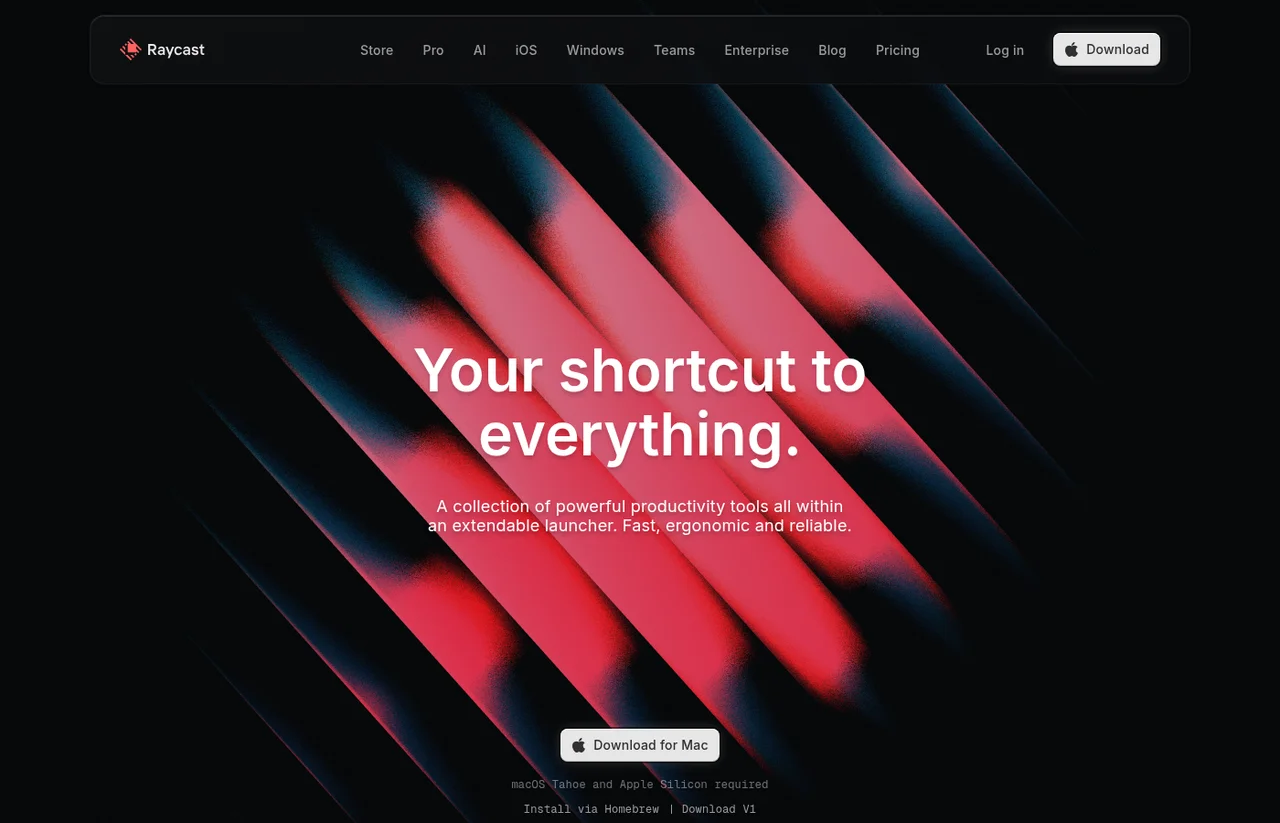
Raycast is a desktop launcher with extensions, snippets, and hotkeys. The pricing page includes a free plan and says AI is not available on it. Pro is $10 a month or $96 a year. The Windows page offers a build for Windows 10 or later, including install with WinGet. A calendar launch date was not on the pages used for this profile.
Install Raycast from the official Mac or Windows page. Use the free launcher, then move to Pro if you need AI Chat or Quick AI. Add extensions only for the tools you want it to reach.
Free is $0. Pro is $10/month or $96/year. Plus is $20/month or $192/year. Max is $50/month or $480/year. Team prices are higher per user and are listed separately on the pricing page.
Free includes the launcher. The pricing page says AI is not available on the Free plan.
Prices checked . Official pricing page
In. A hotkey, a command, or a question to Quick AI or AI Chat, plus optional extensions.
Out. Commands, snippets, chat answers, and actions in connected tools.
Formats. Not a media format. Windows 10 or later is stated on the Windows page, with install via WinGet.
The free plan does not include AI. Raycast is a launcher, not a video editor or a research agent that builds a deck.
This profile summarizes public product information and adds workflow guidance. It is not a hands-on performance review. Check the official website for current prices, limits, and availability.
Source check:
Connect research, presentations and agent-directed media production.
Updated
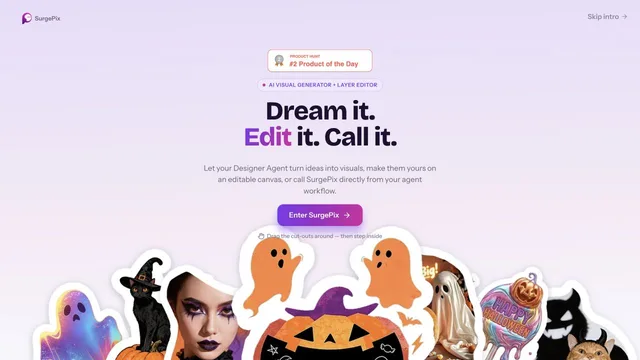
Keep generated visuals editable through layers, text and regional changes.
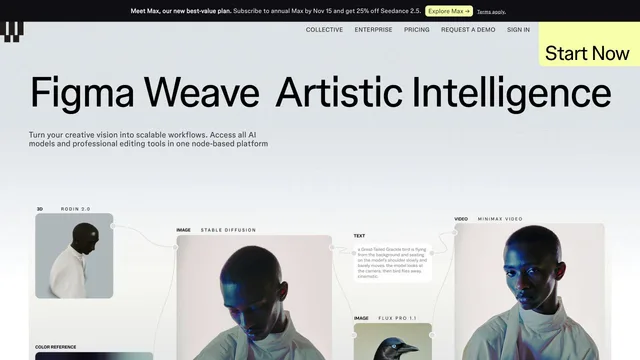
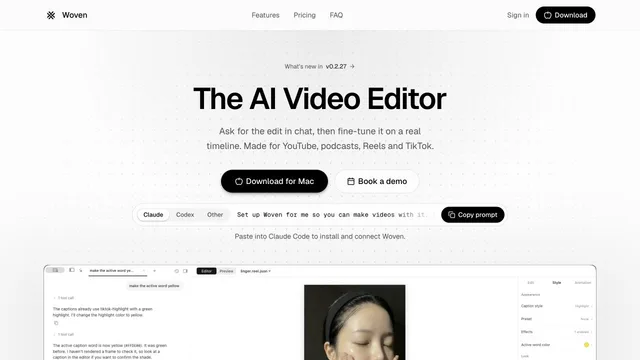
Direct video edits in chat and refine them on a Mac timeline.
Updated


