Personal AI agents
OpenBot
Run a team of AI agents on your own computer.
- Latest update
What it does
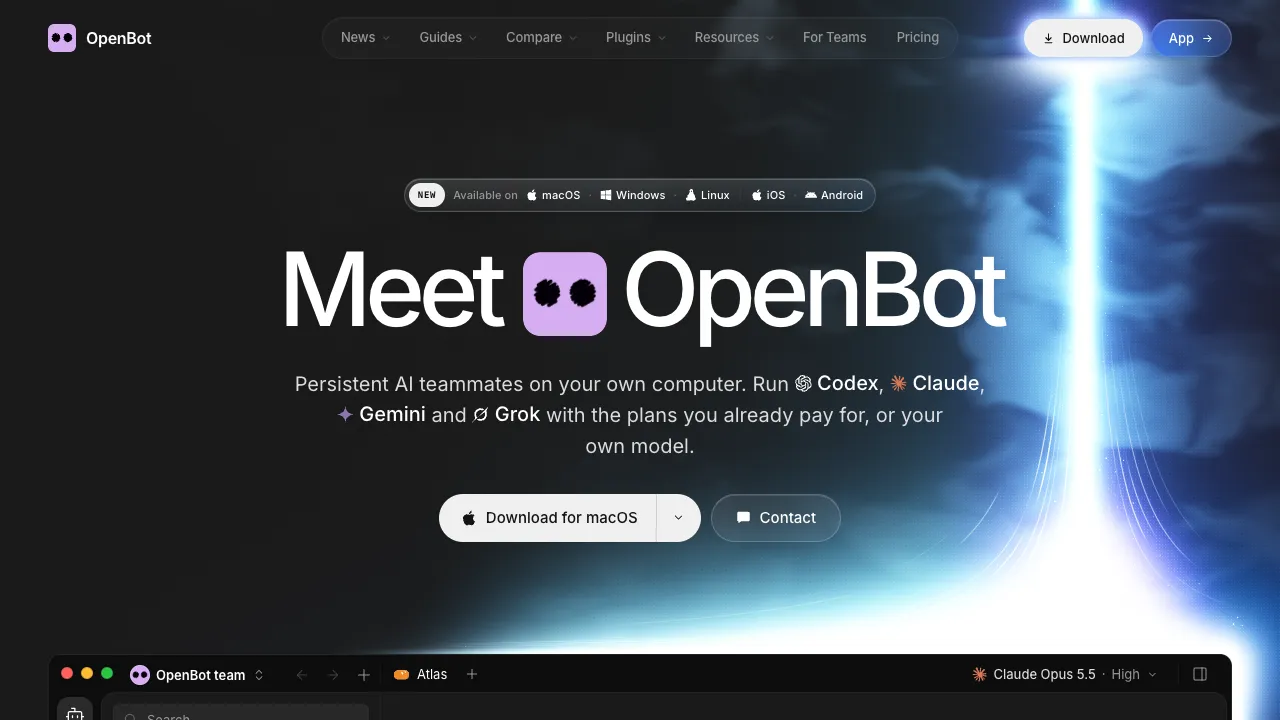
OpenBot is a desktop app for a team of AI agents. Each agent has a name, instructions, and its own workspace, and agents message each other, hand off tasks, and share files in channels. You run Codex, Claude Code, Gemini, Grok, OpenCode, Cursor, Cline, Muse Code, Pi, or Mercury on the plan you already pay for, or add an ACP agent, an OpenAI-compatible endpoint, Ollama, or LM Studio. A built-in browser lets agents open and control pages, and a queue holds the next task while an agent is busy. The site says workspaces, conversations, files, and browser data stay on the computer that runs OpenBot.
Where it fits
Install the desktop app and sign in to a provider you already use. Create one agent with clear instructions, give it a small task, and read what it changed. Add a second agent for review once the first is reliable, and use the phone app to send work or steer it.
Latest update
. Release v0.54.0 in the official repository.
Before you commit
The site says OpenBot costs $0 with no locked features, and you pay your AI provider. The source is public under PolyForm Noncommercial 1.0.0, so commercial use needs a separate license. Agents act on your computer, so start with narrow permissions. The phone apps connect to a computer running OpenBot. This check did not install the app.
Release & update notes
Dates below refer to the linked announcement or Product Hunt launch. They are separate from the date this profile was added.
- Official announcement / update · ↗
Release v0.54.0.
Sources & editorial notes
This profile summarizes public product information and adds workflow guidance. It is not a hands-on performance review. Check the official website for current prices, limits, and availability.
- Official product website
- Product Hunt discovery
- Official homepage and FAQ: agent teams, supported providers and local models, local storage, built-in browser, task queue, $0 price, PolyForm Noncommercial license, and downloads for macOS, Windows, Linux, iPhone, and Android.
- Release v0.54.0, published 29 Oct 2026, in the source repository linked from the site.
Source check: