Personal AI agents
Empacer
Say what your business needs, then approve the draft.
What it does
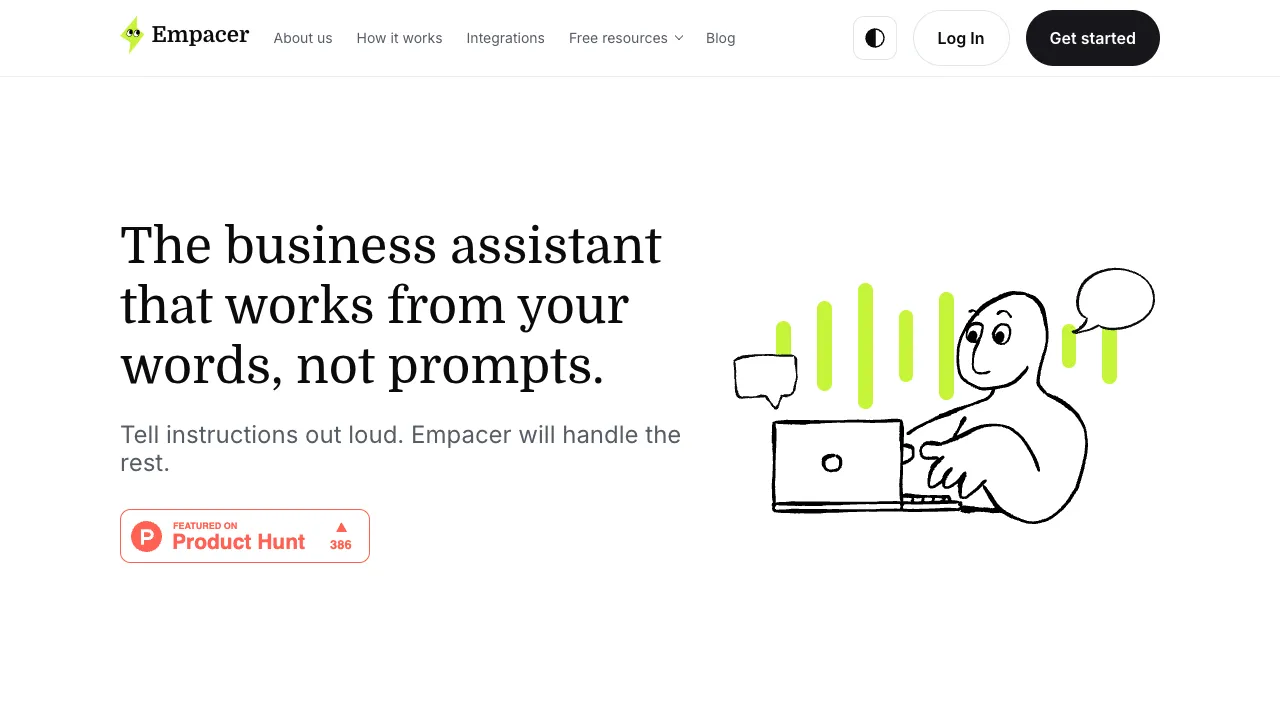
Empacer is a voice-first assistant for small business owners. Setup asks a few short questions about the business, and the answers become facts you can check and correct. After that you tap the voice button, or type, and describe the job the way you would tell an employee. The site lists posts and captions from your own photos, a marketing plan with visuals and copy, replies to customers and suppliers, a plan for the week, and clean documents or summaries from an invoice or price list. When a task needs another tool, it asks to connect one such as Instagram, Facebook, WhatsApp, Gmail, Google Calendar, QuickBooks, or Notion.
Where it fits
Answer the setup questions, then read the facts Empacer saved about your business and fix any guesses. Say one job out loud, such as three Instagram posts. Edit or decline the result card, and approve it only after you check names, dates, and prices.
Before you commit
The pricing page says Empacer is a paid subscription and that the price depends on the offer shown before you pay. It runs in a browser at app.empacer.com and as an Android app, and the site says an iOS app is coming soon. A separate screen lists the access a connected tool asks for, so read it before you agree. This check did not create an account or run a task.
Sources & editorial notes
This profile summarizes public product information and adds workflow guidance. It is not a hands-on performance review. Check the official website for current prices, limits, and availability.
- Official product website
- Product Hunt discovery
- Official homepage: voice instructions, business memory, marketing and content, inbox and client replies, and documents and numbers.
- Official app page: web app and Android app, iOS app coming soon, result cards you edit or approve, and nothing sent before approval by default.
- Official integrations page: Instagram, Facebook, WhatsApp, Google Calendar, Gmail, QuickBooks, and Notion, connected only when a task needs them.
- Official pricing page: paid subscription, with the exact amount and renewal price shown before payment.
Source check: