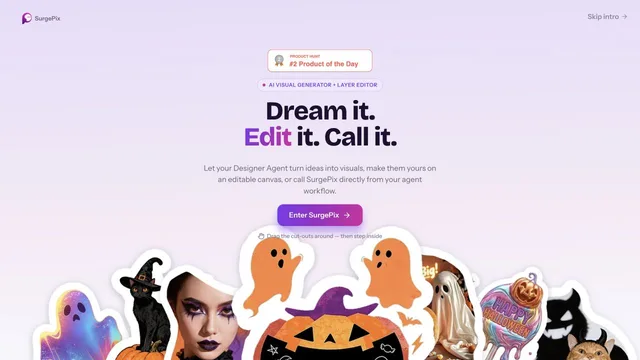

Keep generated visuals editable through layers, text and regional changes.
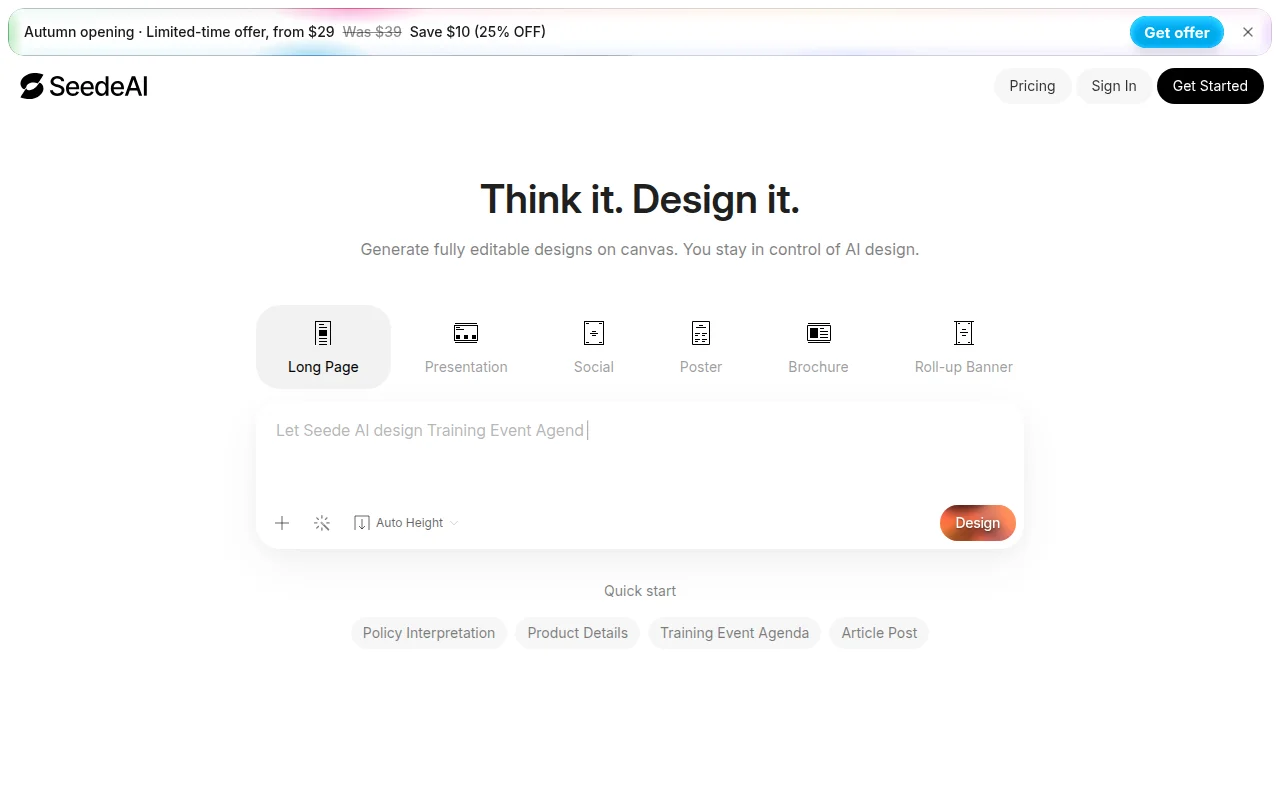
Seede AI generates designs you can still edit, including long pages, presentations, social posters, brochures, banners, flyers, and menus. The homepage showed a limited-time offer from $29, marked down from $39. A separate pricing page exists.
Pick a format, generate a draft, and edit the canvas before you export. Check the offer end date if you are comparing the $29 price.
The homepage showed a limited-time offer from $29, previously $39. The pricing page text we extracted did not repeat a full plan table.
The pricing introduction says you can start free and upgrade. The free allowance was not itemized in that extract.
Prices checked . Official pricing page
In. A design brief or a chosen format.
Out. An editable design on the canvas.
Formats. Long page, presentation, social poster, brochure, banner, flyer, and menu are named.
The $29 figure is labeled a limited-time offer, not the standing price.
This profile summarizes public product information and adds workflow guidance. It is not a hands-on performance review. Check the official website for current prices, limits, and availability.
Source check:
Keep generated visuals editable through layers, text and regional changes.
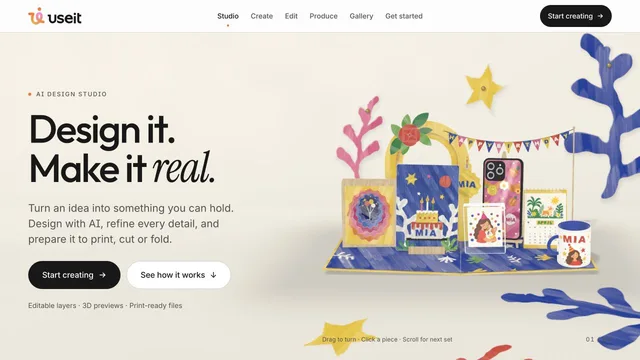
Design physical products with editable files and production previews.
Develop a creative project and refine its video in the browser.