
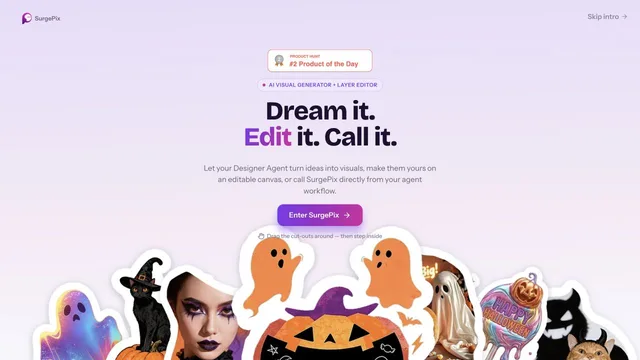

Keep generated visuals editable through layers, text and regional changes.
Develop a creative project and refine its video in the browser.
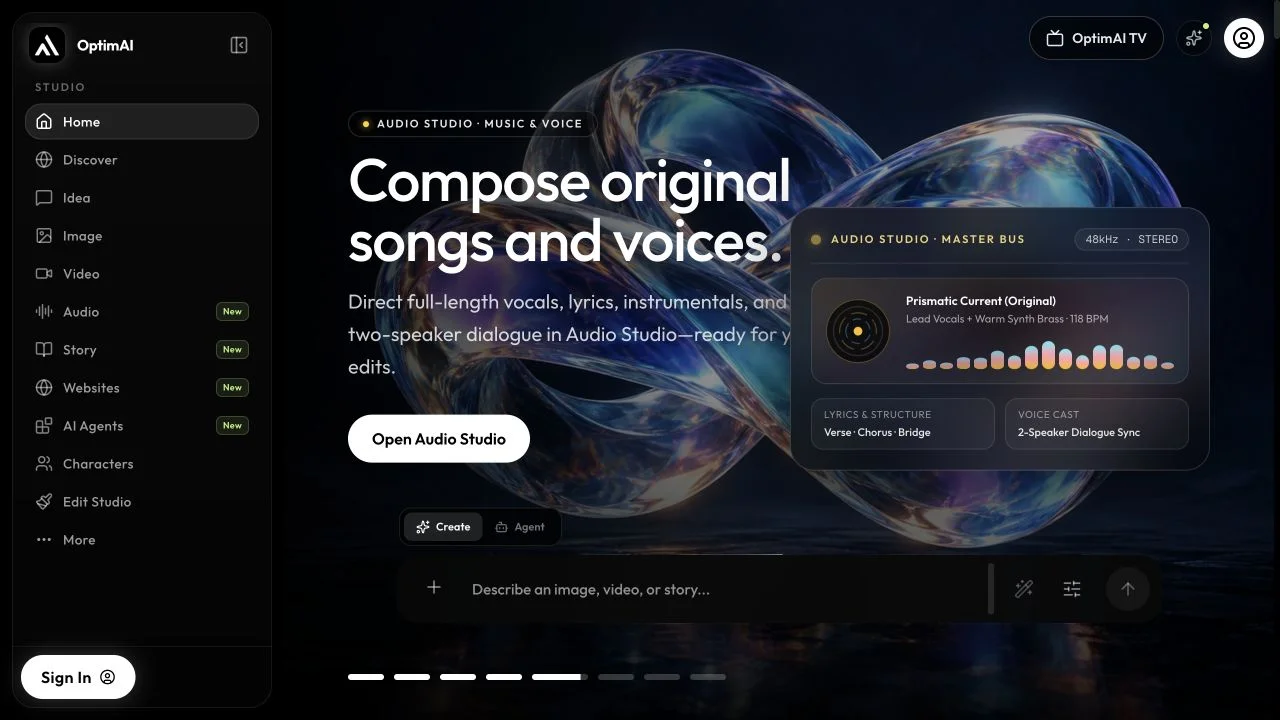
OptimAI Studio connects several creative workflows around a shared project. Its agent can help plan a film, develop references, and generate media, while Edit Studio provides a browser timeline for arranging clips, titles, captions, and sound. Separate sound, story, and website studios extend the workspace when a concept needs more than a video.
Begin with a brief and references, shape the scenes with the creative agent, and choose the assets to generate. Bring the selected media into Edit Studio, refine timing and sound, and review the project before exporting the finished sequence.
Generation uses credits; distinguish media-generation costs from the editor’s browser export workflow.
Dates below refer to the linked announcement or Product Hunt launch. They are separate from the date this profile was added.
Official dated Website Studio release; prior August 29 release is titled Your browser is now a full production studio. These predate its Product Hunt debut.
Product Hunt launch date. This may differ from the original product release or an official update.
This profile summarizes public product information and adds workflow guidance. It is not a hands-on performance review. Check the official website for current prices, limits, and availability.
Source check:
Keep generated visuals editable through layers, text and regional changes.
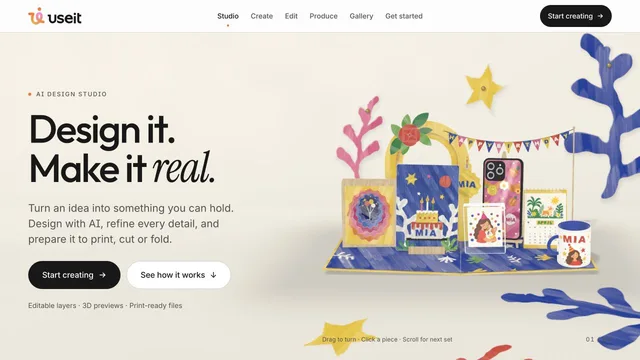
Design physical products with editable files and production previews.
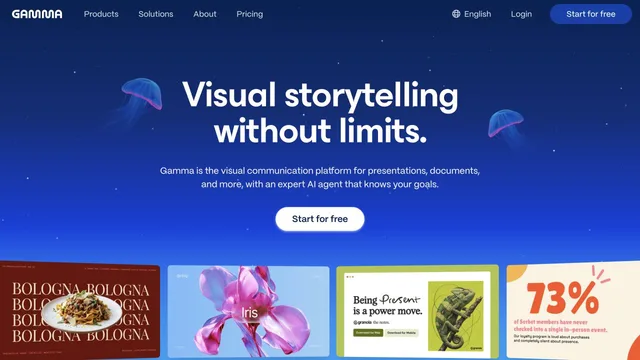
Connect research, presentations and agent-directed media production.


