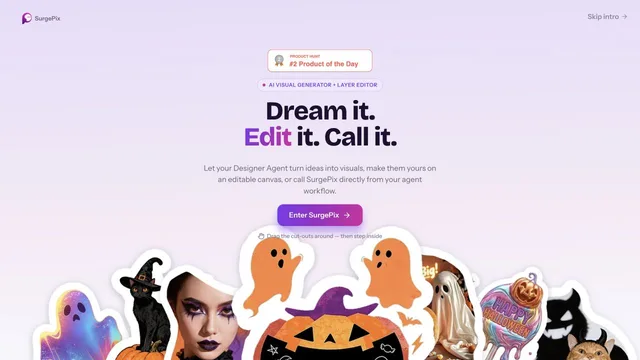

Keep generated visuals editable through layers, text and regional changes.
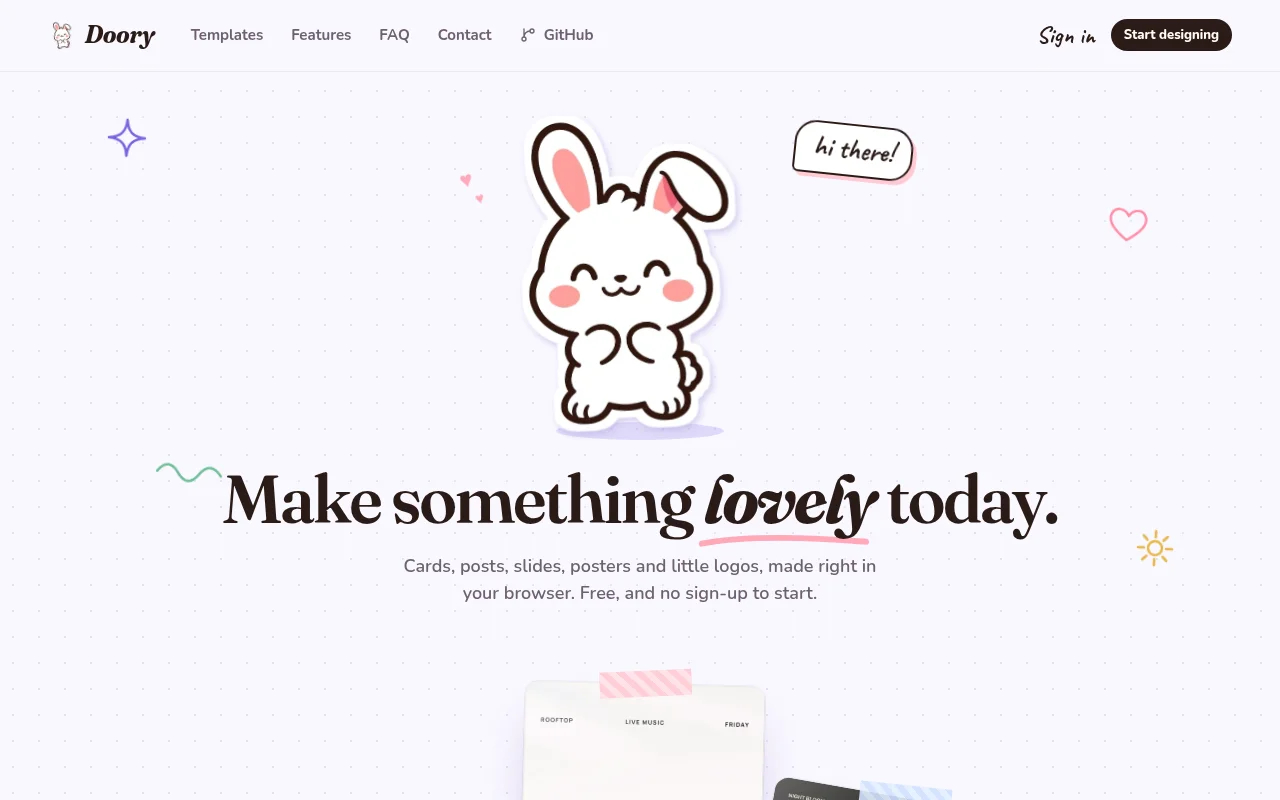
Doory is a free, open-source design editor in the browser. You can start without an account and make social posts, slides, posters, and logos. The site says there is no watermark and no ads. A GitHub project is linked from the page.
Pick a size, such as an Instagram post or a 16:9 slide, and design in the browser. Sign in only if you want to keep the file with an account.
The homepage says the editor is free, with no sign-up required to start, no watermark, and no ads. No paid plan was listed.
You can start designing without an account.
Prices checked . Official pricing page
In. A blank size or a template.
Out. A social post, slide, poster, or logo.
Formats. Preset sizes include Instagram post and story, 16:9 presentation, 18 by 24 inch poster, A4, and a 500 pixel logo.
It is a layout editor, not a video timeline. Confirm the GitHub license if you plan to self-host.
This profile summarizes public product information and adds workflow guidance. It is not a hands-on performance review. Check the official website for current prices, limits, and availability.
Source check:
Keep generated visuals editable through layers, text and regional changes.
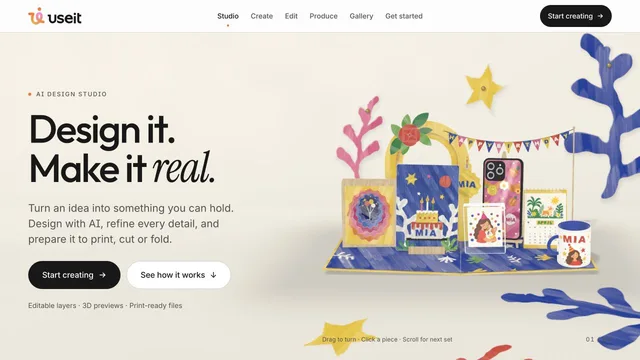
Design physical products with editable files and production previews.
Develop a creative project and refine its video in the browser.