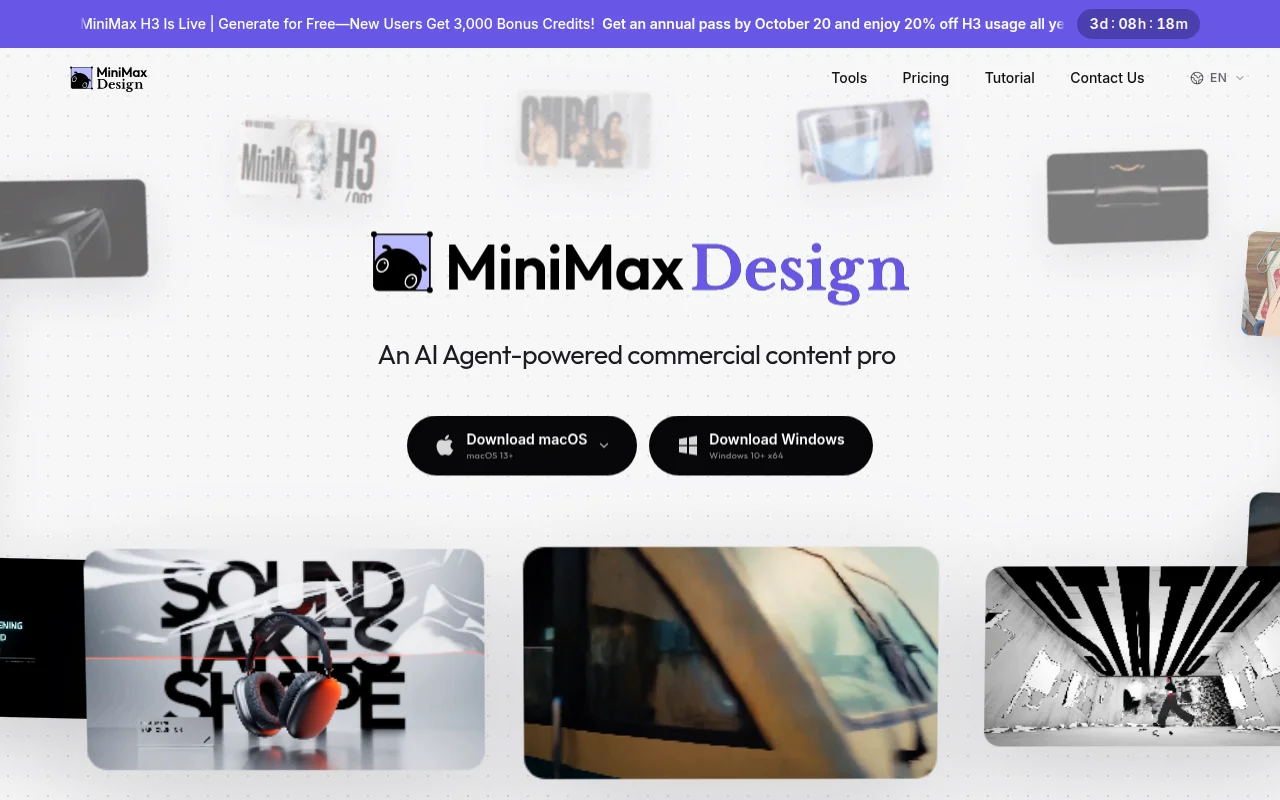


Keep generated visuals editable through layers, text and regional changes.
MiniMax Design is a multimodal creative studio that runs workflows across text, image, and video models. The download section lists macOS 13 or later for M-series Macs from M1 through M5. The page calls it a local studio and a digital crew of agents. A second Mac download is on the page. A price was not in the lines we read.
Install the Mac app, run one text-to-image or text-to-video workflow, and see which model the crew used before you accept the file.
No price was in the homepage lines we read.
A free tier was not itemized there.
Prices checked . Official pricing page
In. A creative brief for text, image, or video.
Out. Assets from an agent workflow.
Formats. The stated desktop target is macOS 13 or later on M1 through M5.
The clearly labeled download is Apple silicon, macOS 13 or later. Confirm the second Mac build before you assume Intel support.
This profile summarizes public product information and adds workflow guidance. It is not a hands-on performance review. Check the official website for current prices, limits, and availability.
Source check:
Keep generated visuals editable through layers, text and regional changes.
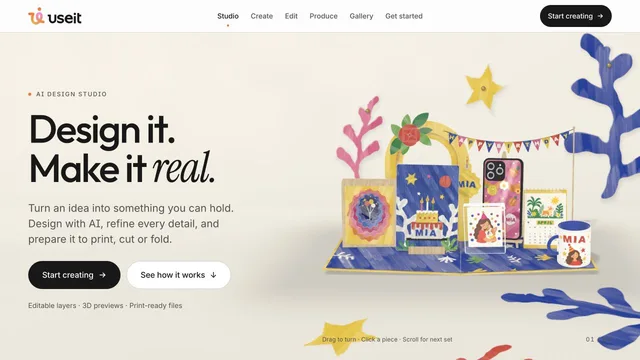
Design physical products with editable files and production previews.
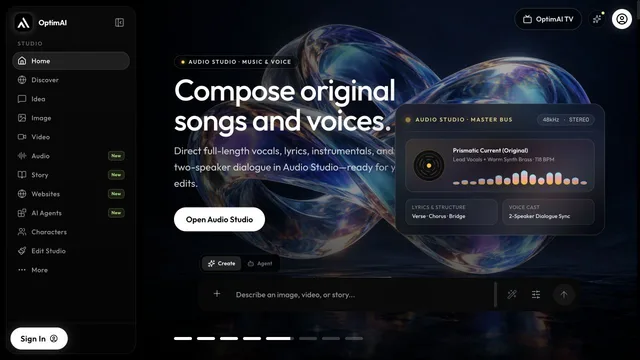
Develop a creative project and refine its video in the browser.