AI creative canvases
Krea
Develop images and edits inside a connected creative workspace.
What it does
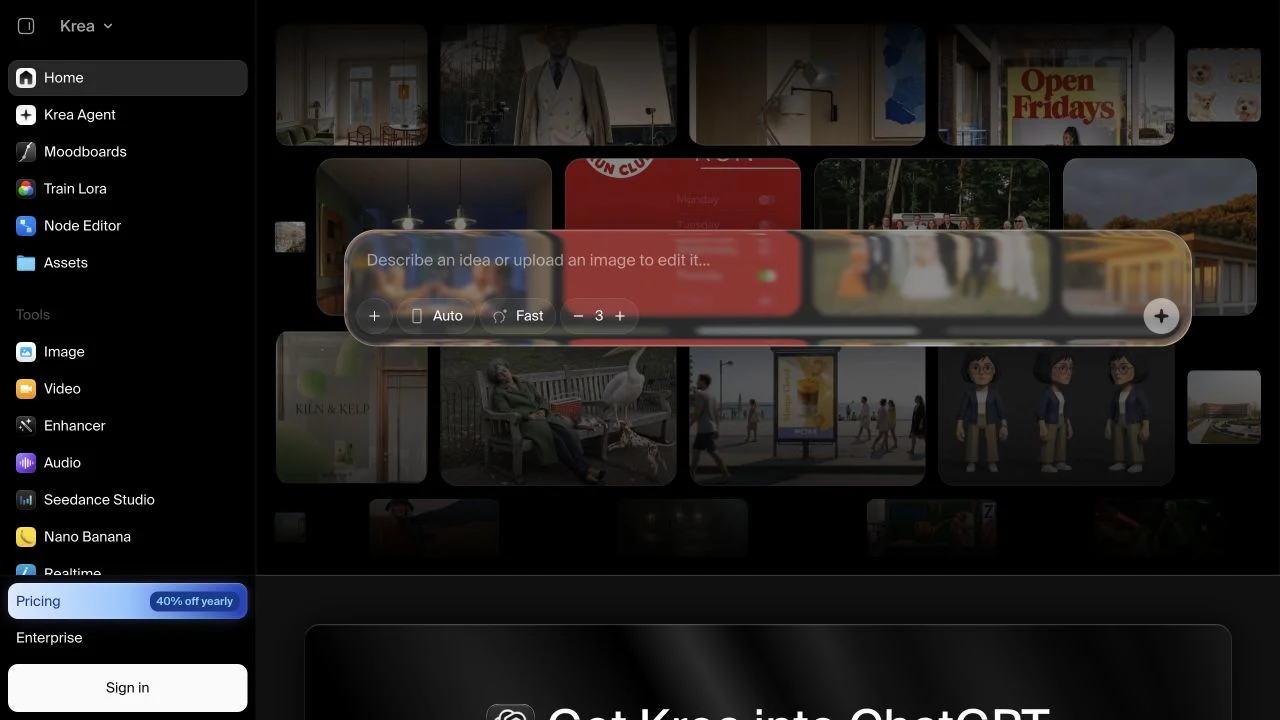
Krea combines image creation, editing, enhancement and connected workflows in a browser workspace. It develops its own Krea image models while also making partner models available through the same app. Krea 3 focuses on reference-based editing, including changes to product scenes and character images. Model selection matters because each available model has different input requirements and usage limits.
Where it fits
Choose the Krea model or partner model that fits the task, then supply a prompt and any relevant images. Review the result for the details that should remain consistent. Keep useful references together and make focused revisions before exporting.
Before you commit
Distinguish Krea models from partner models, and check the selected model’s current plan allowance.
Release & update notes
Dates below refer to the linked announcement or Product Hunt launch. They are separate from the date this profile was added.
- Official announcement / update · ↗
Primary launch article explicitly announces Krea's new image editing model on this date.
Sources & editorial notes
This profile summarizes public product information and adds workflow guidance. It is not a hands-on performance review. Check the official website for current prices, limits, and availability.
- Official product website
- Official product announcements
- Native 2K editing, up to six image references, identity/product preservation; speed claims are vendor measurements, not our tests.
- Official app lists Krea 3 separately from partner models; own-model card leads to /image?model=k3-edit, redirecting to /image/k3-edit.
- Primary technical report establishes Krea's original foundation-model research rather than treating Krea as only a model aggregator.
Source check: