What it does
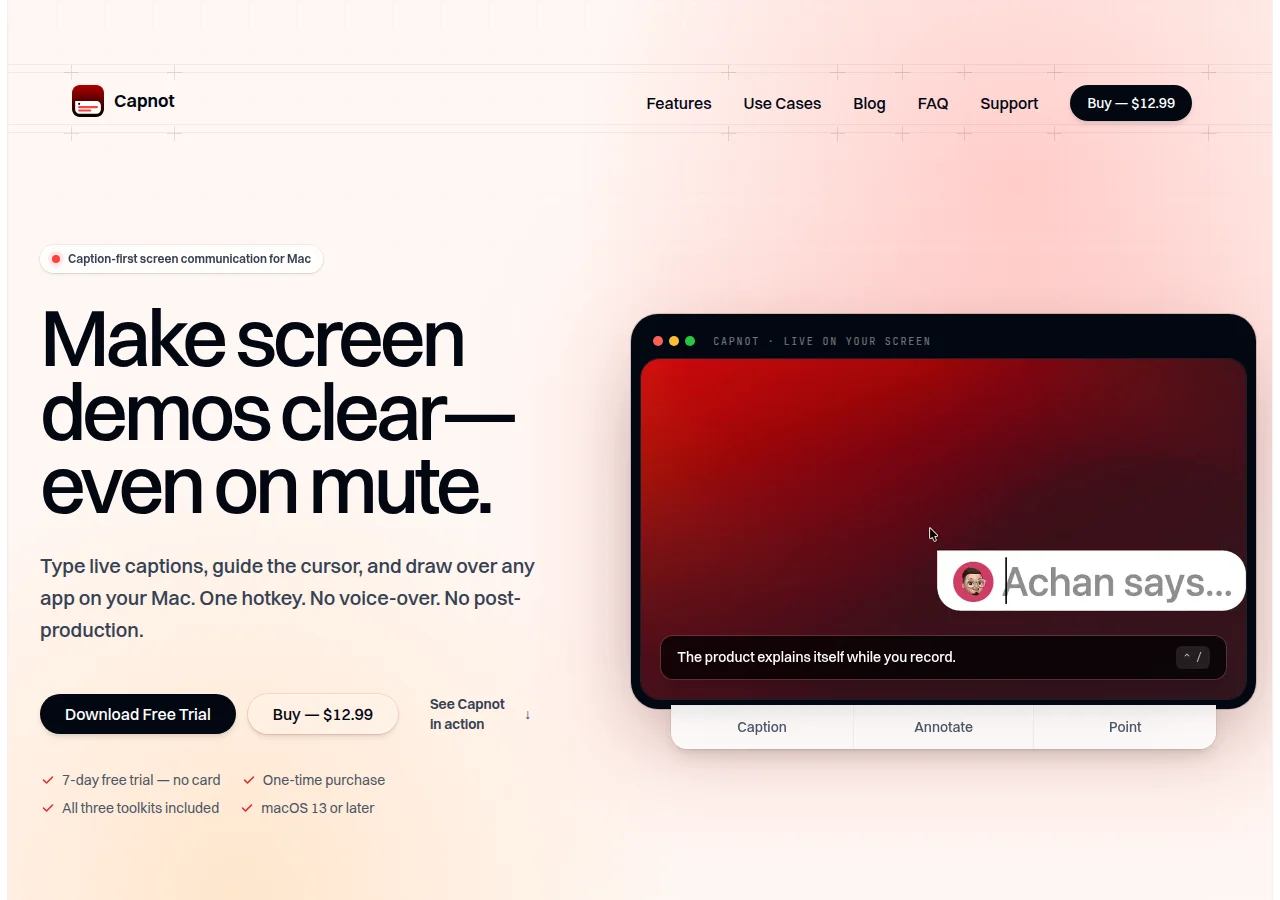
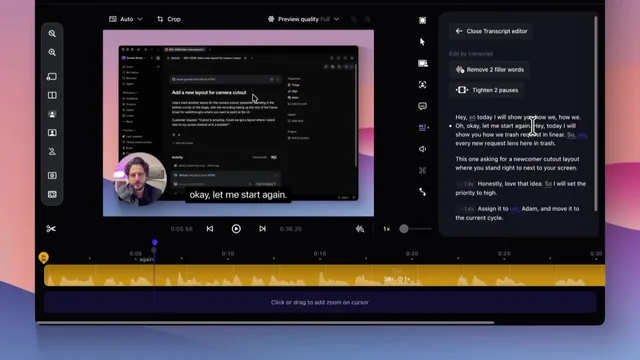
Capnot draws captions, arrows, and a pointer over any app on a Mac, so a screen recording still reads with the sound off. You can type a line, or speak and have macOS speech recognition caption you on the device. The overlay shows up in whatever recorder or screen share you already use.
Where it fits
Start the trial, turn on captions, and record one short demo in the tool you already use. Fix a word before you publish.
Before you commit
The page lists $12.99 once and a 7-day trial with no card. It needs macOS 13 or later. Live captions use macOS speech recognition, and the page says audio stays on the Mac. This check did not install the app.
Release & update notes
Dates below refer to the linked announcement or Product Hunt launch. They are separate from the date this profile was added.
- Product Hunt launch · ↗
Product Hunt listed Capnot on 7 November 2026, for screen demos that stay clear on mute.
Sources & editorial notes
This profile summarizes public product information and adds workflow guidance. It is not a hands-on performance review. Check the official website for current prices, limits, and availability.
- Official product website
- Product Hunt discovery
- Official homepage: live captions, annotations, and a pointer. $12.99 once, with a 7-day trial and no card. macOS 13 or later.
Source check:
Keep exploring



A Mac recorder that zooms, captions, and cuts by transcript.