
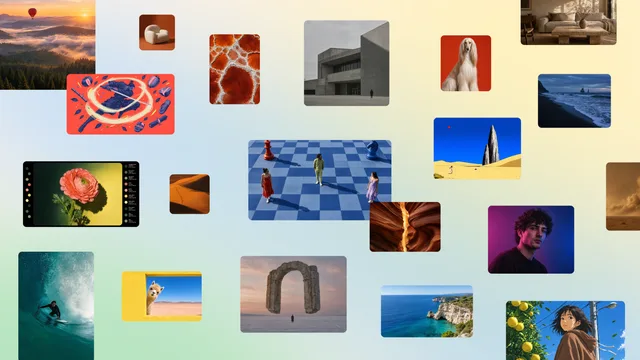
Original AI creative models
Canva Brush
Edit a Canva design in words, and keep the layers.
- Launched
What it does
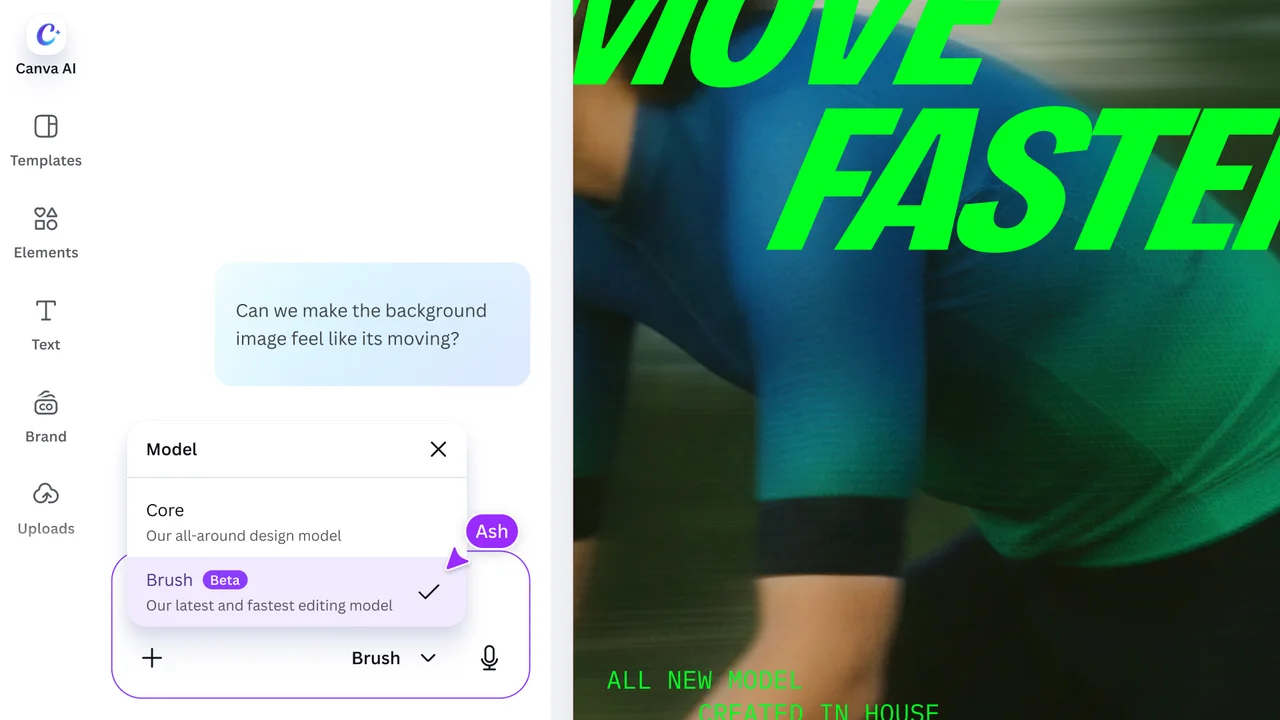
Canva Brush is a vision-language model from Canva Research for editing a design inside Canva AI. You open a design, or attach one in Canva AI, choose Brush, and describe the change, from one line of copy to a whole deck. The newsroom says it can restyle a design, update several pages in one request, or resize a slide for another channel, and that the result stays a normal Canva design: text, images, colors, and layout remain editable. It writes and runs code to move elements, then looks at the page before the next step. At this launch it powers supported design edits for Canva Pro, with wider availability described as coming soon.
Where it fits
Open a design you can already edit and select Brush in Canva AI. Ask for one change, such as a new color scheme or an Instagram size. Read the layout, then fix type and spacing by hand if the edit is only partly what you wanted.
Before you commit
The newsroom does not list a separate price for Brush. Supported edits are for Canva Pro at launch. Brand Kit support, attachment references, and better handling of image-heavy layouts were described as not in this first version. Canva says Brush is up to 69% faster and 46% lower cost per edit than its previous design agent; those figures are Canva's, and this check did not run an edit. The official product still labels Brush as Beta. The live newsroom page returned a Cloudflare check from this network, so the preview is the official product still from that article, not a live capture.
Release & update notes
Dates below refer to the linked announcement or Product Hunt launch. They are separate from the date this profile was added.
- Official announcement / update · ↗
Canva Research newsroom lists the Brush announcement on 29 October 2026.
Sources & editorial notes
This profile summarizes public product information and adds workflow guidance. It is not a hands-on performance review. Check the official website for current prices, limits, and availability.
- Official product website
- Directory discovery
- Official announcement: vision-language model for design edits in Canva AI, editable text and layers, supported edits for Canva Pro, and how to select Brush.
- Official Canva Research newsroom index dates the Brush announcement to 29 October 2026.
Source check:
Keep exploring


Generate a world you can walk through and steer while it runs.
Launched


Direct expressive speech, including the Drama 3 voice model.
Updated