

Keep generated visuals editable through layers, text and regional changes.
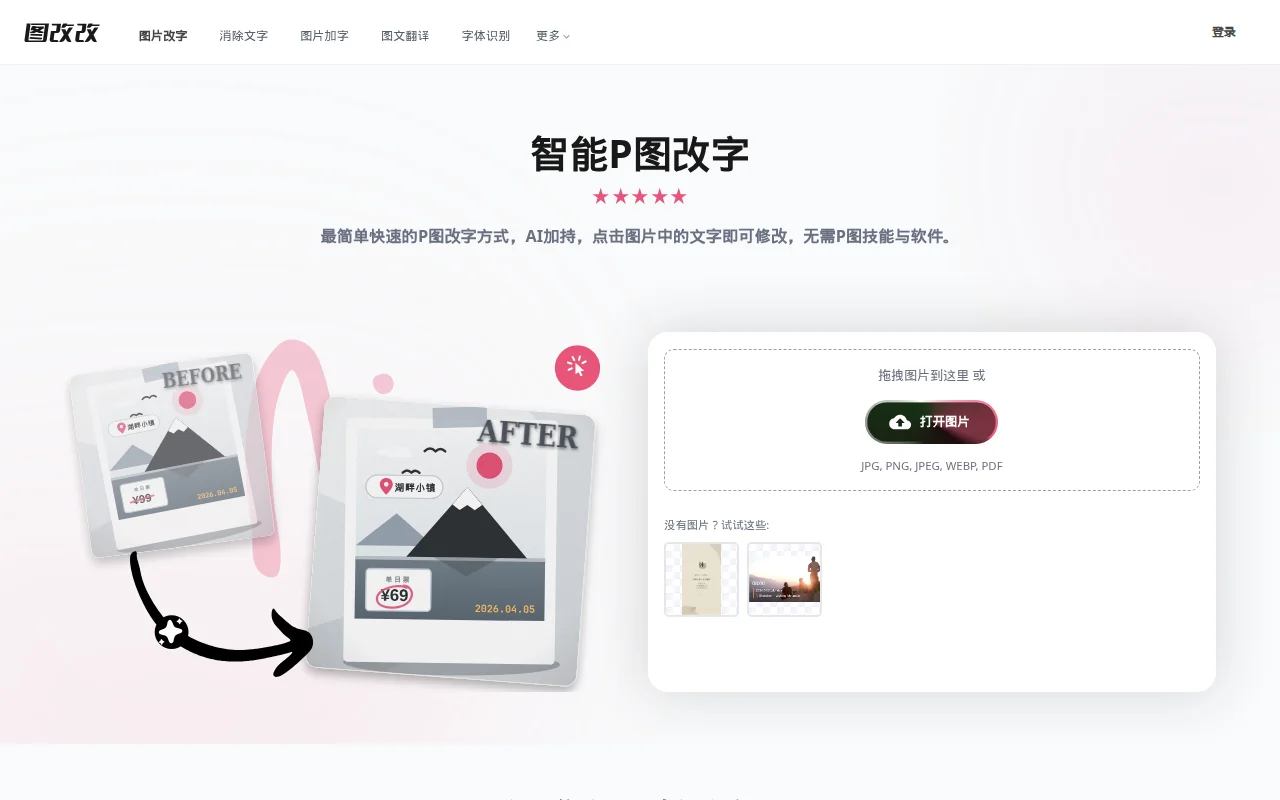
Tugaigai is an online editor for text inside images. You upload a JPG, PNG, WEBP, or PDF, click the words, and replace them. It also lists text removal, adding words, image translation, and font matching. The title calls the tool free. Prices printed inside the sample ticket graphic are part of the demo image, not a plan fee.
Upload a picture, click the exact line you want to change, and download after you compare the letters with the background.
No product plan price was published. Amounts visible in the sample image are content of that image.
The title and steps present the editor as a free online tool. A quota was not listed.
Prices checked . Official pricing page
In. A JPG, PNG, WEBP, or PDF.
Out. An image with edited text.
Formats. Those upload types are named. Export format follows the editor download.
Do not read prices inside the sample image as the product price. The page does not show a plan table.
This profile summarizes public product information and adds workflow guidance. It is not a hands-on performance review. Check the official website for current prices, limits, and availability.
Source check:
Keep generated visuals editable through layers, text and regional changes.
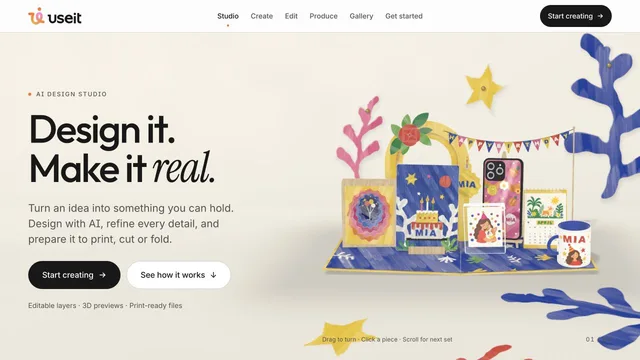
Design physical products with editable files and production previews.
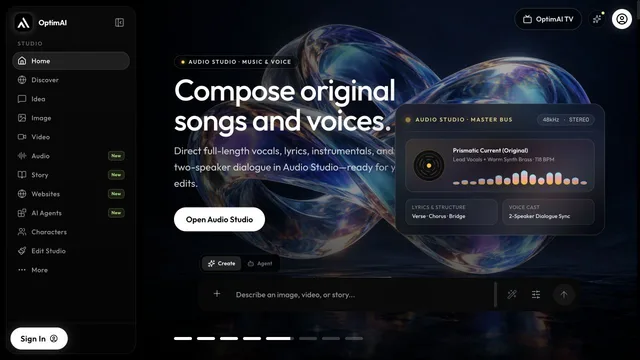
Develop a creative project and refine its video in the browser.