
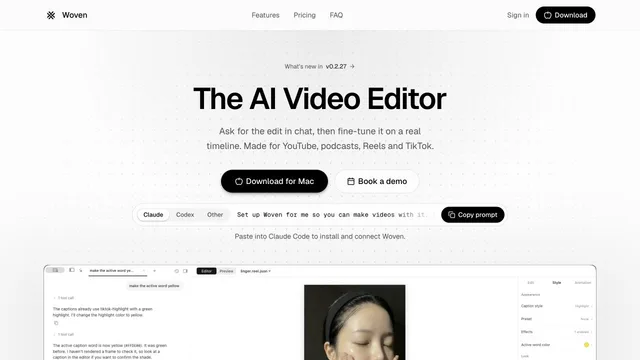

Direct video edits in chat and refine them on a Mac timeline.
Updated
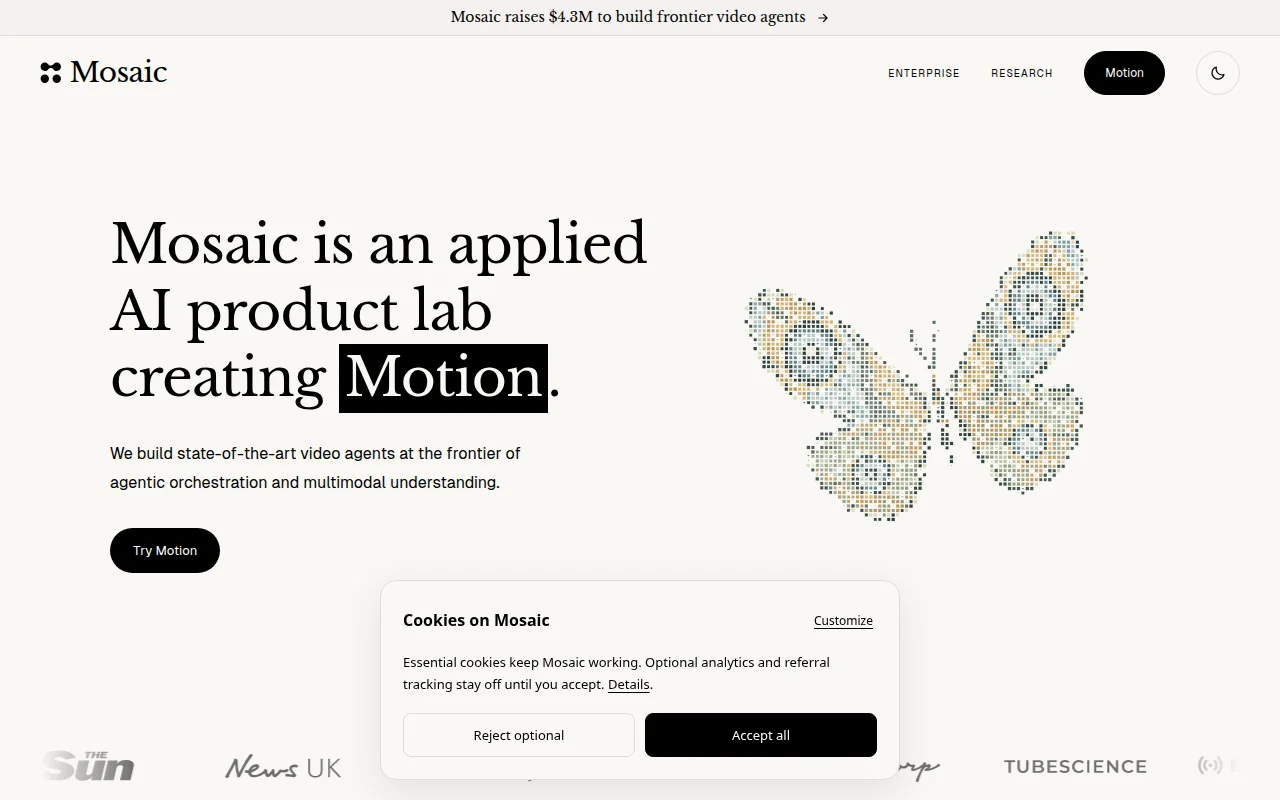
Motion is Mosaic's video agent for editing, motion design, and understanding footage. The research introduction says it can cut a multicamera podcast, make a launch video, or animate a logo, then leave a project you can change on a timeline or send to Premiere Pro, After Effects, or DaVinci Resolve. It can also take footage from Drive or Frame.io and context from Notion or Slack. The $4.3 million figure on the lab homepage is a funding announcement, not a subscription price.
Give Motion a brief, brand assets, or a reference. Review the planned cut, then adjust the timeline or move the project into your finishing tool.
No subscription price was published on the Motion pages we read. The homepage's $4.3 million line is a funding raise.
A free tier was not described on those pages.
Prices checked . Official pricing page
In. A brief, brand assets, a reference video, or footage from connected drives.
Out. A cut you can revise, or a project for Premiere Pro, After Effects, or DaVinci Resolve.
Formats. The research note describes timeline and professional-editor handoff, not a codec list.
The public pages we read did not list a subscription price. The funding line is not a plan fee.
This profile summarizes public product information and adds workflow guidance. It is not a hands-on performance review. Check the official website for current prices, limits, and availability.
Source check:
Direct video edits in chat and refine them on a Mac timeline.
Updated
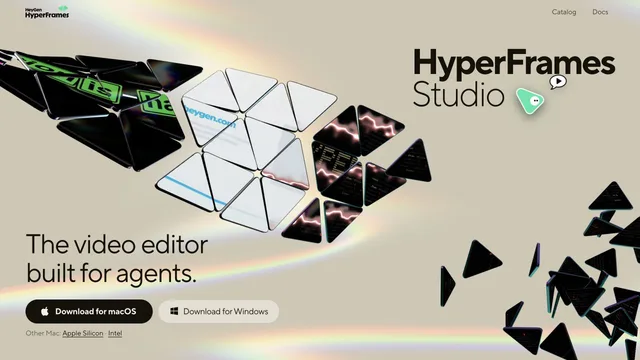
Build editable video projects with agents and ordinary web technology.

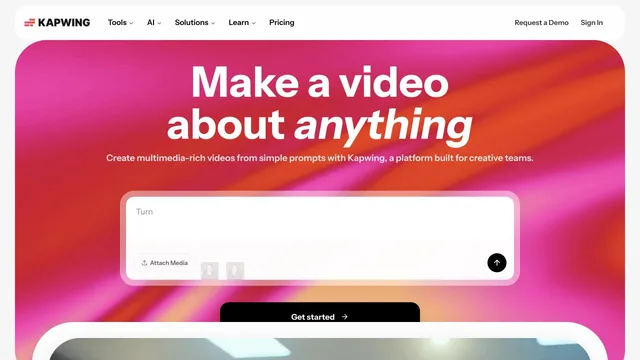
Edit browser videos with a timeline, transcripts, and an AI agent.
Updated


