


Generate and edit visual media with the FLUX model family.
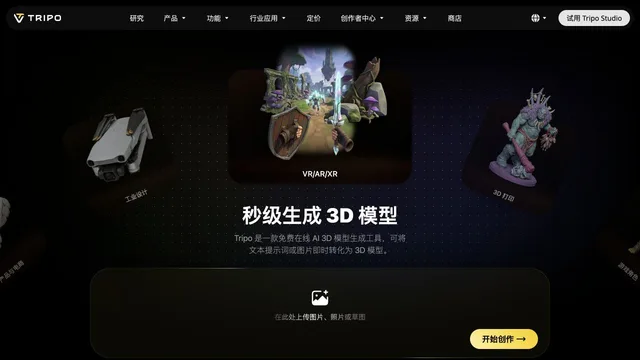
Hi3D v3.0 turns an image into a 3D model and also splits parts for printing and separates color regions. The page cites 2048³ geometry and 8K PBR textures, and it invites you to try v3.0 free. A numeric free-credit quota and paid prices were not in the text we captured.
Upload one image, generate, and orbit the mesh before you send it to a printer.
The page says try it free. A credit quota and paid prices were not in the text we captured.
A free trial is offered. The allowance was not numbered in that text.
Prices checked . Official pricing page
In. An image, or text that becomes a concept image first.
Out. A 3D model, optional print split, and color separation.
Formats. Not named in the extract.
Resolution figures are the vendor's. Inspect the mesh up close before a long print.
This profile summarizes public product information and adds workflow guidance. It is not a hands-on performance review. Check the official website for current prices, limits, and availability.
Source check:
Generate and edit visual media with the FLUX model family.
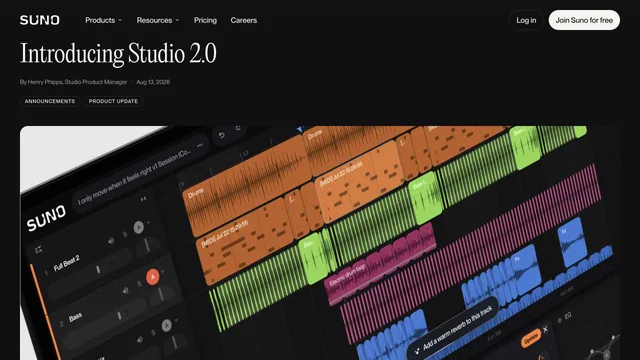
Create speech, music and sound effects for creative productions.


