
Generate and edit visual media with the FLUX model family.
Generate, refine and animate assets in a browser 3D studio.
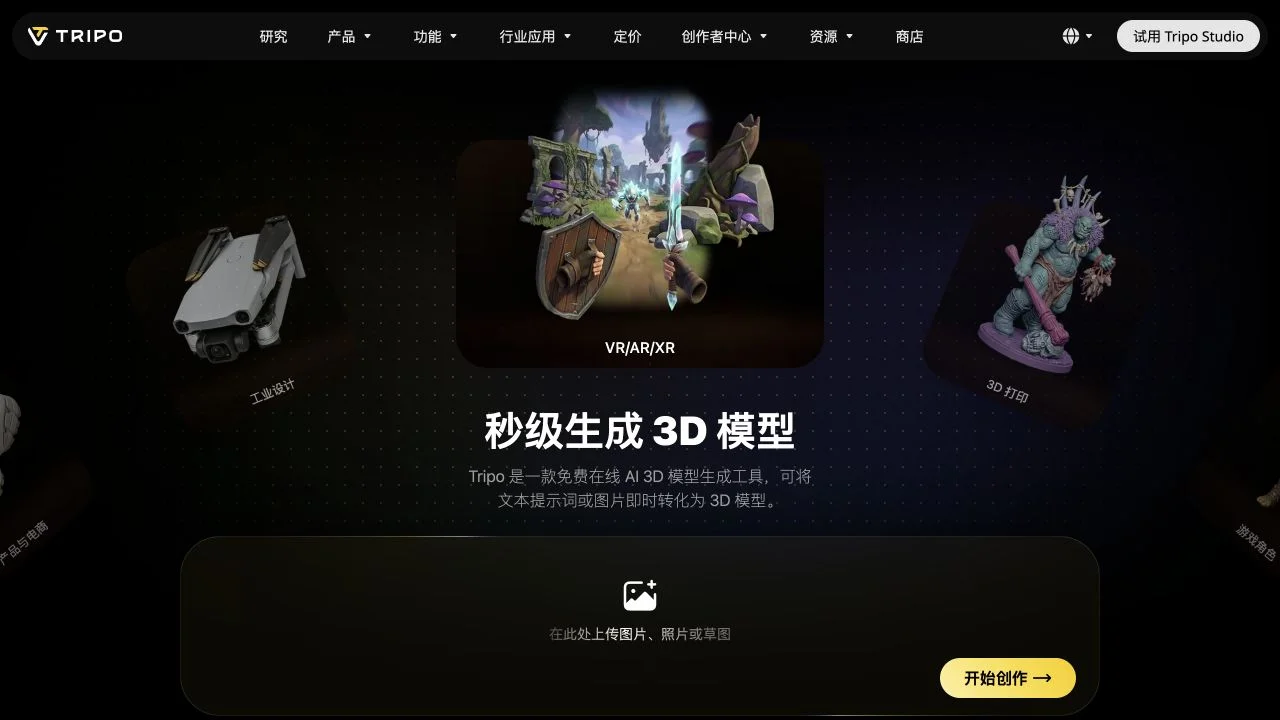
Tripo develops 3D models and a studio for creating assets from visual references and text. Its workflows cover mesh generation, regional mesh editing, UV preparation, texturing, rigging and animation. P2.0 emphasizes native quad topology and polycount control, while other Tripo models serve different detail requirements. Connections to common 3D tools support moving a generated asset into a wider production workflow.
Choose the model that matches the asset’s topology or visual-detail needs and provide a clear reference. Inspect the generated mesh from several angles, refine any weak region and prepare its textures. Add rigging or animation only after the asset’s shape is settled.
Check input and subscription requirements for the selected model, then inspect topology before downstream editing.
Dates below refer to the linked announcement or Product Hunt launch. They are separate from the date this profile was added.
Official blog index explicitly dates new rigging/animation announcement to October 13; latest clear substantial update used here.
This profile summarizes public product information and adds workflow guidance. It is not a hands-on performance review. Check the official website for current prices, limits, and availability.
Source check:
Generate and edit visual media with the FLUX model family.
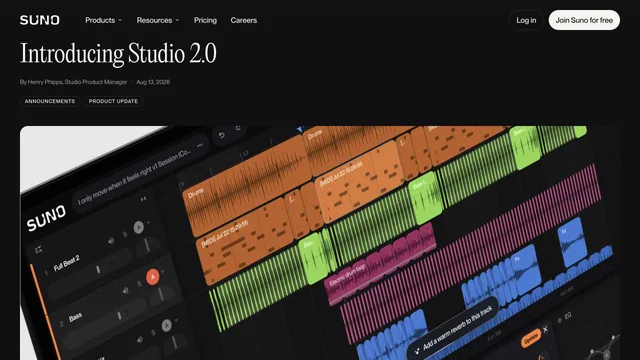
Create speech, music and sound effects for creative productions.