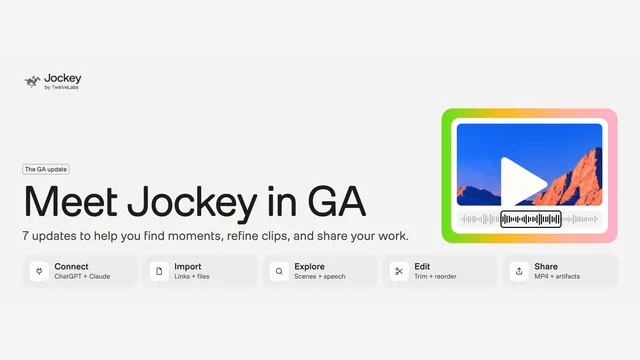

Search a video library and assemble a rough cut from the footage.
Launched
Record your screen, edit by transcript, and share a link.
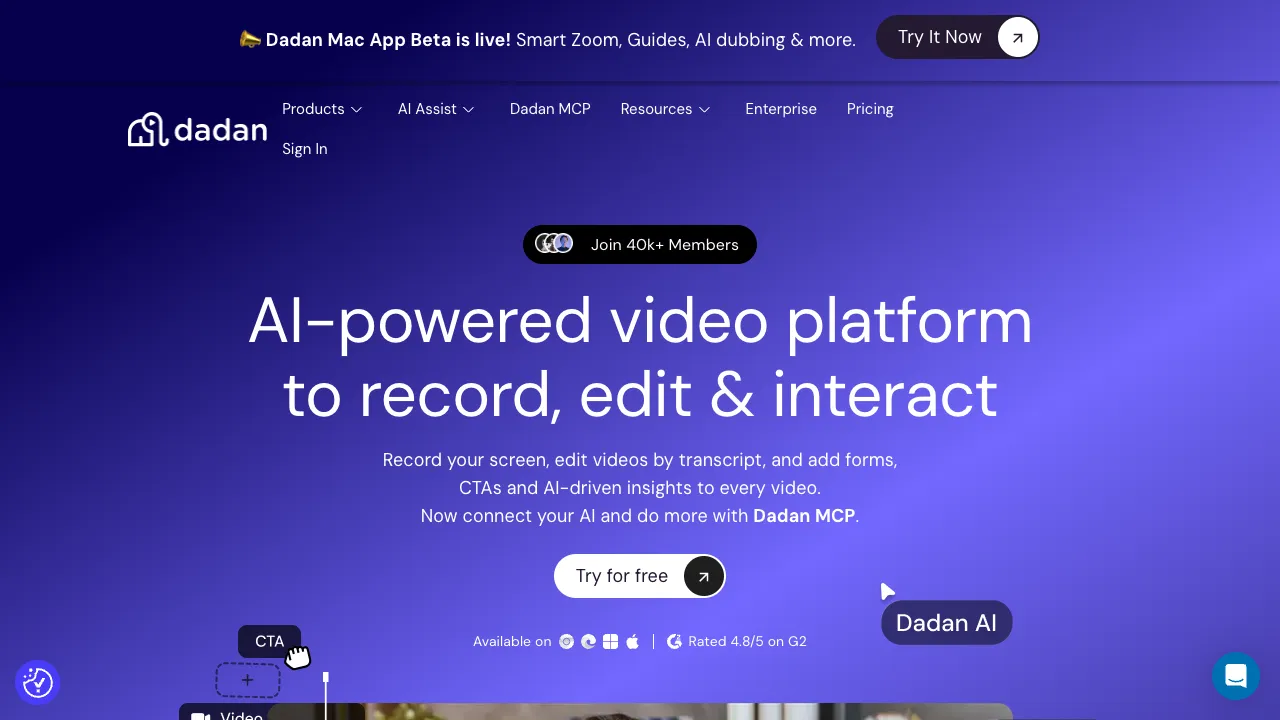
Dadan records your screen, camera, or both in the browser, from a Chrome or Edge extension, or in Windows and macOS apps. Recordings upload to a library where you edit on a timeline or by transcript, and AI removes silences and filler words or cuts a long recording into short clips. AI Assist writes transcripts, chapters, titles, summaries, and meeting notes, and translation covers more than 180 languages. You can add polls, quizzes, forms, and call-to-action buttons inside a video, see who watched, and turn a recording into a step-by-step guide. Dadan MCP lets ChatGPT, Claude, and other assistants search and edit the library.
Record a short walkthrough in the browser without signing up, or install the extension or desktop app. Trim the transcript, let AI remove filler, and check the captions. Add one interaction or a chapter list, then share the link and read the viewing data.
The site says the free plan includes up to 25 videos, 2 GB of storage, 720p recording, and 10 AI credits a month, and paid plans add 4K, more storage, and more AI use. The pricing page switches between monthly and annual prices, so read it on the day you buy. The Mac app was labeled a beta during this check. Review AI transcripts and translations before you share them. This check did not record or upload a video.
This profile summarizes public product information and adds workflow guidance. It is not a hands-on performance review. Check the official website for current prices, limits, and availability.
Source check:
Search a video library and assemble a rough cut from the footage.
Launched
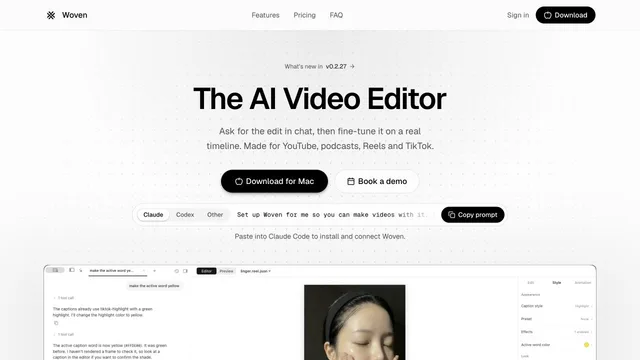
Direct video edits in chat and refine them on a Mac timeline.
Updated
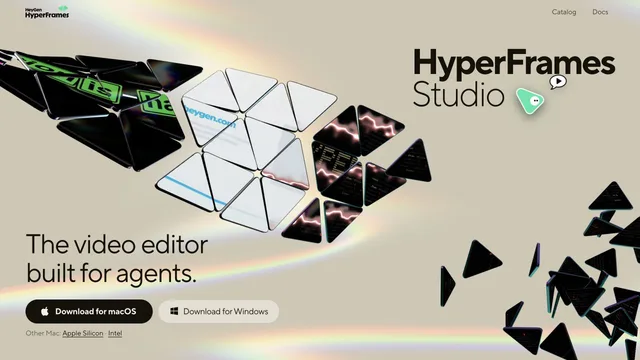
Build editable video projects with agents and ordinary web technology.