
AI video editing
VEED Video Background Remover
Remove a video background and replace it inside VEED’s editor.
What it does
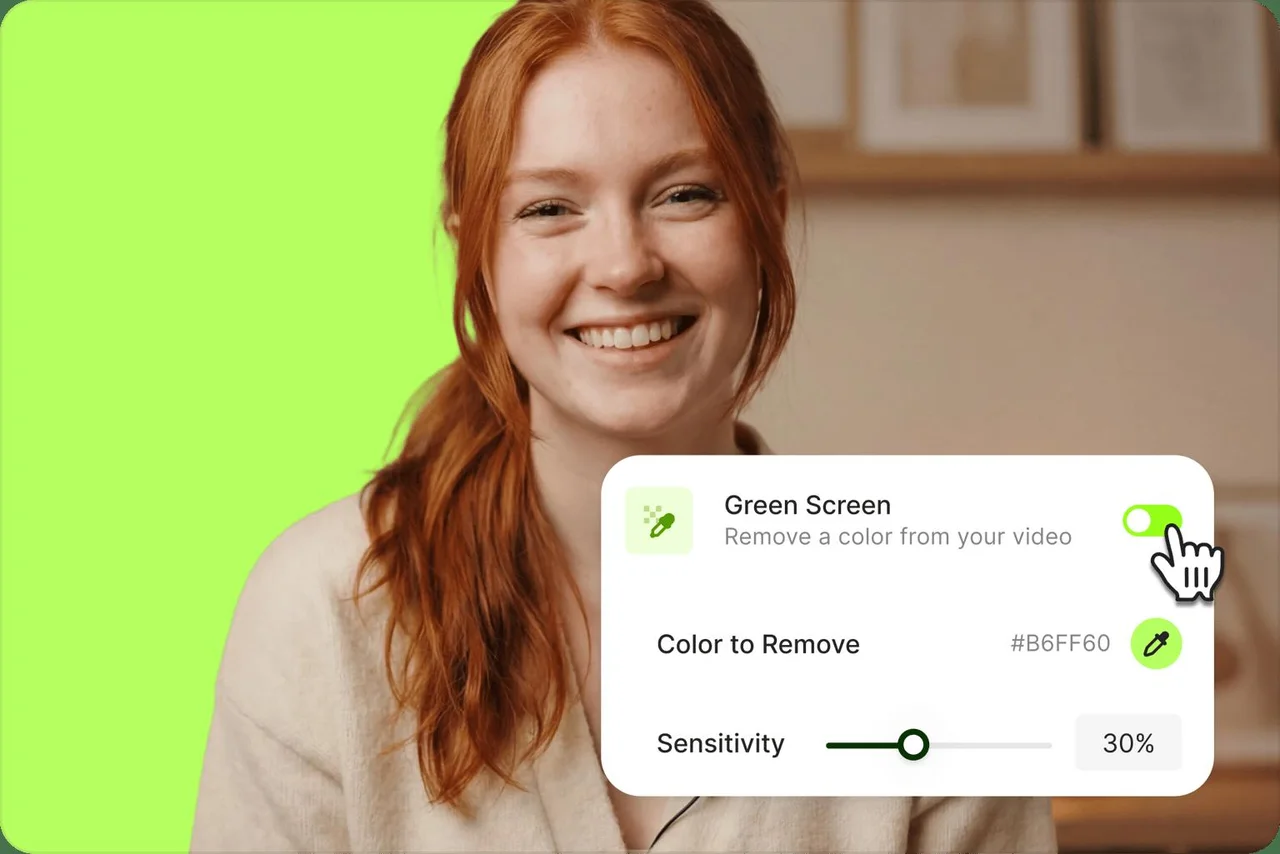
VEED’s Video Background Remover isolates a subject so a new image, color, scene, or video can sit behind it. The official workflow uses an uploaded clip in the browser editor and a Remove Background control, without requiring green-screen footage. The same page documents GIF background removal, green-screen controls, and additional editing utilities for finishing the result.
Where it fits
Upload a clip and select it on the timeline, then apply Remove Background. Place the desired image, color, or footage behind the isolated subject. Watch the entire result to inspect hair, edges, and moving objects before exporting the composited video.
Before you commit
Subject separation depends on footage quality; inspect hair, fast motion, and transparent objects, and confirm the needed export options.
Sources & editorial notes
This profile summarizes public product information and adds workflow guidance. It is not a hands-on performance review. Check the official website for current prices, limits, and availability.
Source check:
Keep exploring



Build editable video projects with agents and ordinary web technology.