
AI animation & restyling
Swishy
Animate type, logos, and charts without After Effects.
What it does
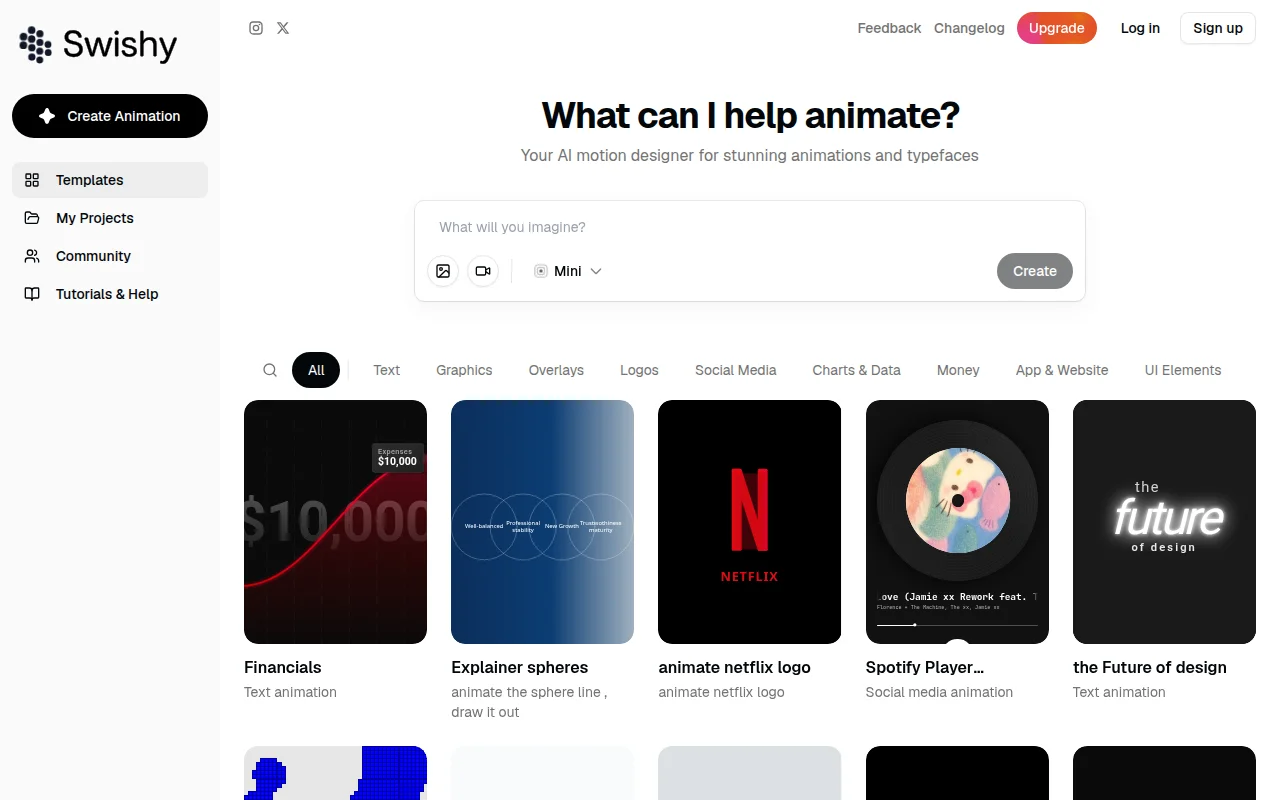
Swishy is an AI motion designer for text, graphics, overlays, logos, charts, and interface elements. You describe what to animate and export MP4, MOV, or GIF. The product is aimed at desktop browsers. A changelog is published on the docs site.
Where it fits
Choose a category such as text, a logo, or a chart. Describe the motion, preview it, and export a format your layout tool can place.
Pricing & free tier
No plan price was in the homepage text we read.
A free allowance was not itemized on that page. The site asks you to sign up.
Prices checked . Official pricing page
Inputs, outputs & formats
In. A text, logo, chart, or other graphic you want animated.
Out. A motion graphic.
Formats. Export is described as MP4, MOV, and GIF.
Getting started
- 1Open Swishy on a desktop browser.
- 2Animate one title or logo and preview it.
- 3Check the changelog if a control you expect is missing.
Limits & gotchas
- No price was on the homepage text.
- The site says the best experience is on desktop.
- A changelog exists, but we did not treat an undated page as a release date.
Before you commit
The homepage we read did not list a plan price. The docs changelog is the place to check what just shipped.
Sources & editorial notes
This profile summarizes public product information and adds workflow guidance. It is not a hands-on performance review. Check the official website for current prices, limits, and availability.
- Official product website
- AI工具集 design and motion listings
- Describes AI motion for type, logos, charts, and MP4, MOV, and GIF export.
- Public changelog.
Source check:
Keep exploring





Create animated short videos from text, pictures, and presentations.

Develop controllable 3D scenes and combine them with AI-generated media.