AI video editing
StarCut
Tell an Agent what to make, then edit the timeline in the browser.
What it does
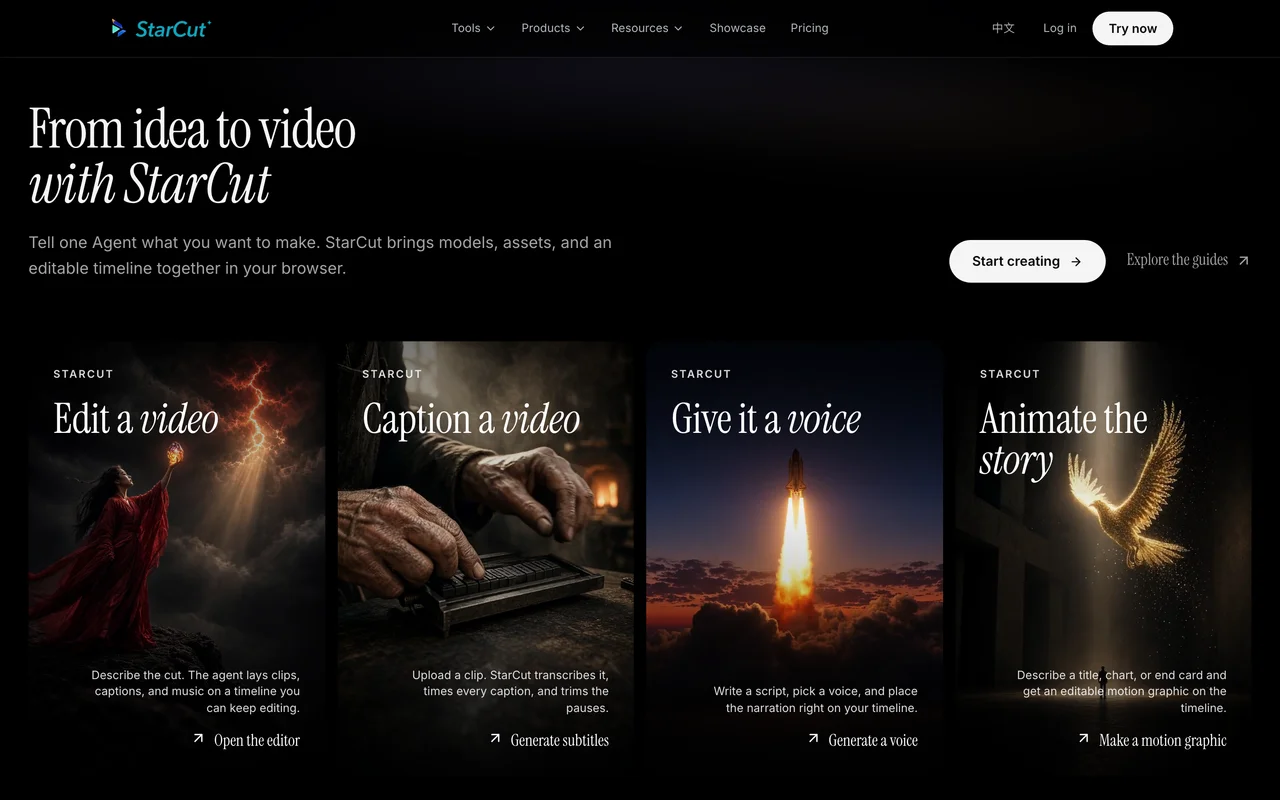
StarCut is an AI video editor and creative workspace that runs in the browser. You describe what you want, or drop in footage, a script, or a reference, and an Agent selects models for video, voice, captions, and motion, then lays them on an editable timeline. You can also generate images, stickers, and audio, add captions from speech, or turn a script into a voice. A plugin connects the same workspace to ChatGPT, Claude, Cursor, and other supported Agent hosts through MCP.
Where it fits
Open the official site in a browser, describe the video or upload a reference, and review the first timeline the Agent builds. Adjust the cut, captions, or voice in the editor before you export.
Before you commit
The pricing page lists a Free plan at $0 with 100 welcome credits on the first workspace, then pay-as-you-go credit packs. There is no subscription. Credits are spent on generation such as video, image, voice, and captions; timeline editing is included. Pack prices are shown in Studio when you top up, and were not printed as dollar amounts on the public pricing page. This check did not create an account.
Sources & editorial notes
This profile summarizes public product information and adds workflow guidance. It is not a hands-on performance review. Check the official website for current prices, limits, and availability.
- Official product website
- Official product site
- Official homepage: an Agent, models, assets, and an editable timeline in the browser. Tools include editing, captions, voice, and motion graphics.
- Official pricing: Free is $0 with 100 welcome credits on the first workspace. Credit packs are pay-as-you-go. There is no subscription. Timeline editing is included.
Source check: