Creative agents & workspaces
Ribbi
Turn a rising social format into a post for your brand.
What it does
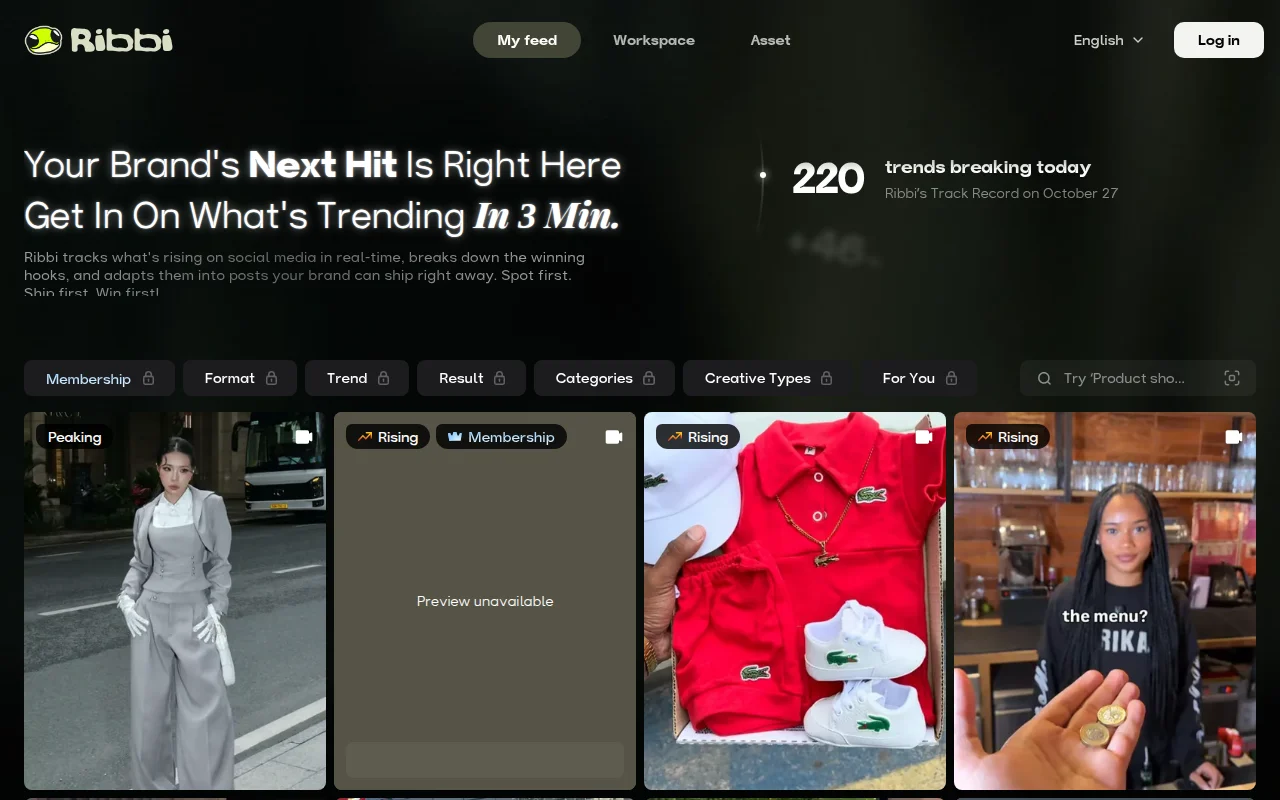
Ribbi watches social trends and turns a winning format into a post your brand can publish. You pick a category, preview a recreation, and ship from the workspace. The homepage displays its own track-record figures. Treat those as the vendor's numbers.
Where it fits
Choose a trend, preview the recreation, and edit the post before it goes out.
Pricing & free tier
No plan price was in the homepage text we read.
A free tier was not itemized there.
Prices checked . Official pricing page
Inputs, outputs & formats
In. A brand and a trend the tool surfaces.
Out. A social post adapted from that trend.
Formats. The page talks about posts. Exact export types were not listed in the extract.
Getting started
- 1Pick one trend and read the hook it extracted.
- 2Replace brand-specific claims before you post.
- 3Do not treat the homepage statistics as an independent measurement.
Limits & gotchas
- No public price in the extract.
- Homepage statistics are the vendor's own figures.
- Trend copies can raise rights questions.
Before you commit
A recreated trend can copy more than the structure. Check rights and whether the joke still fits the brand.
Sources & editorial notes
This profile summarizes public product information and adds workflow guidance. It is not a hands-on performance review. Check the official website for current prices, limits, and availability.
- Official product website
- Official product site
- Describes trend tracking and brand-adapted social posts.
Source check: