AI video editing
RecCloud
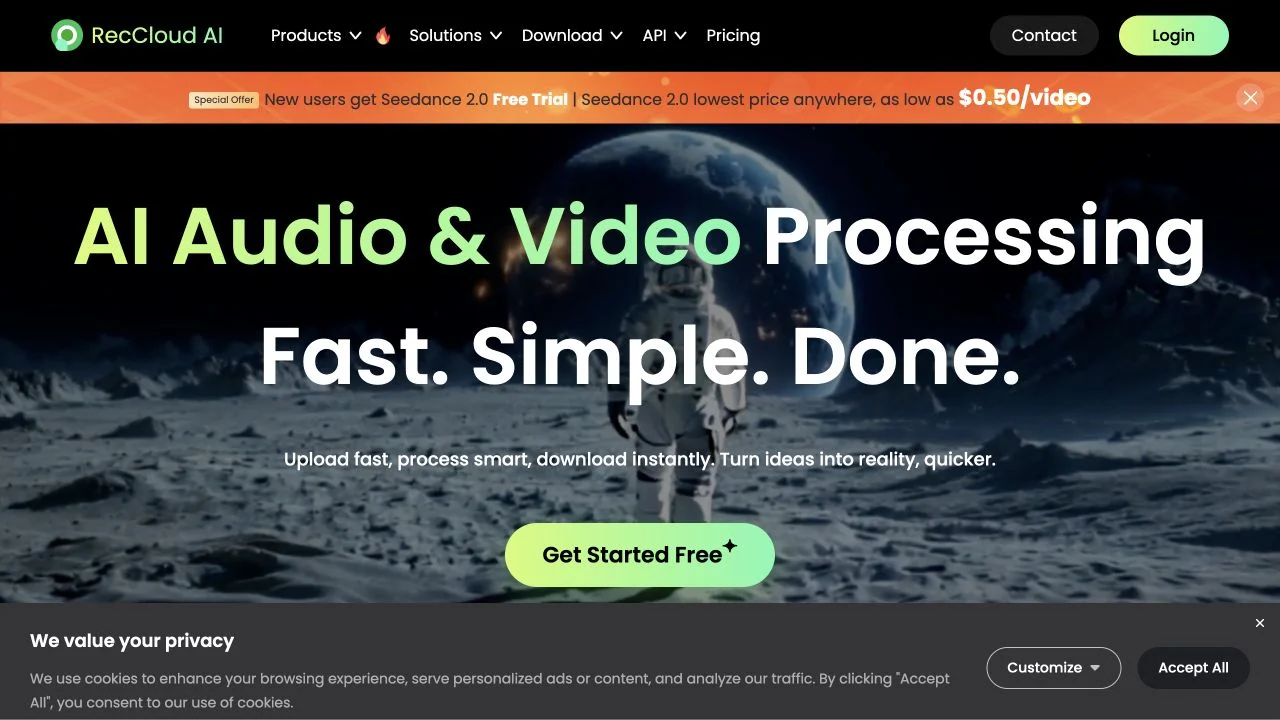
Process recordings with transcripts, subtitles, translation, and related media tools.
What it does
RecCloud provides a collection of AI audio and video tools. Its official catalog includes transcription, subtitle generation and translation, text-to-speech, video translation, and summaries, alongside screen recording, trimming, and clip creation. The service is useful when an existing recording needs an accessible text layer, a localized version, or a shorter form rather than a completely new production.
Where it fits
Choose the processing task and upload a representative recording. Correct the transcript before generating subtitles or a translated version, then check timestamps, terminology, and spoken delivery; review the final media rather than relying on text alone.
Before you commit
Verify transcription and terminology before downstream translation, because early text errors can carry into subtitles and synthesized speech.
Sources & editorial notes
This profile summarizes public product information and adds workflow guidance. It is not a hands-on performance review. Check the official website for current prices, limits, and availability.
Source check:
Keep exploring



Build editable video projects with agents and ordinary web technology.