

Generate and edit visual media with the FLUX model family.
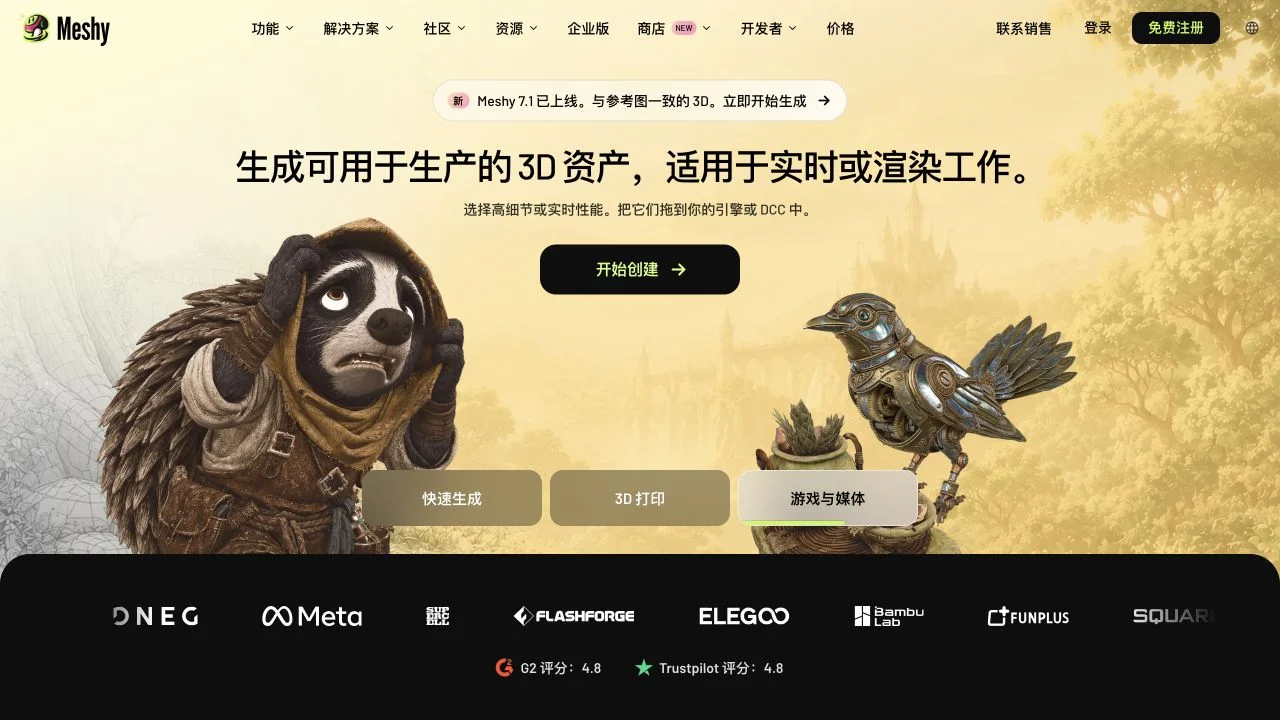
Meshy develops 3D generation models and provides a browser workspace for turning images or text into assets. Its production tools include texturing, topology controls, rigging, animation and preparation for 3D printing. Meshy 7.1 focuses on geometric detail, with resolution options that depend on the selected workflow and plan. The generated mesh remains an asset to inspect before downstream use.
Start with a clear reference image or a concise object description. Generate the model, rotate it and inspect its silhouette, hidden surfaces and geometry. Apply texture or topology adjustments as needed, then check the export in the intended game, animation or printing workflow.
Inspect geometry and textures before production, and check plan requirements for model downloads and resolution.
Dates below refer to the linked announcement or Product Hunt launch. They are separate from the date this profile was added.
Primary model announcement explicitly says Meshy 7.1 releases/rolls out starting September 10. API addition date is separate.
This profile summarizes public product information and adds workflow guidance. It is not a hands-on performance review. Check the official website for current prices, limits, and availability.
Source check:
Generate and edit visual media with the FLUX model family.
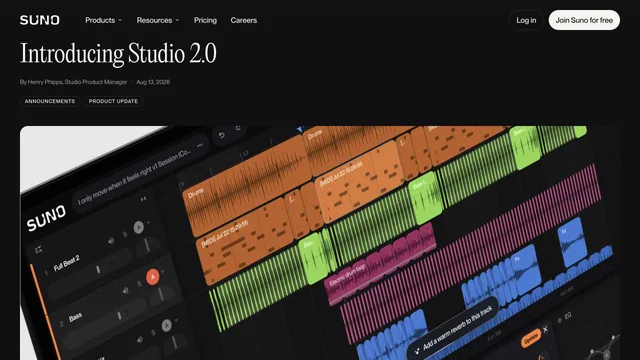
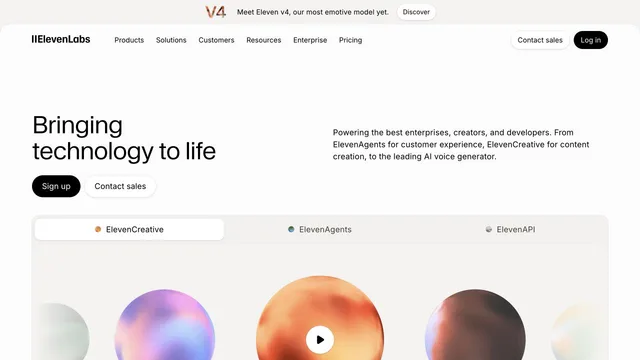
Create speech, music and sound effects for creative productions.


