
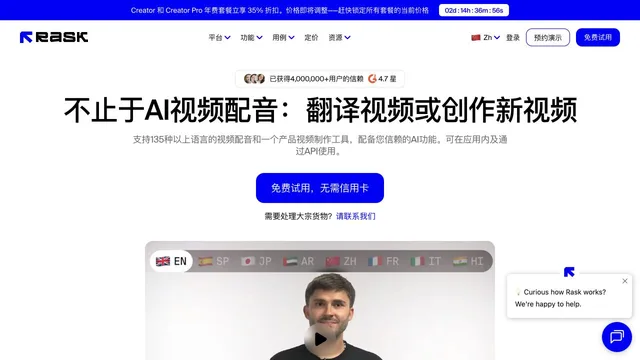
AI video translation
iFlytek Yizhi
Translate a video, dub it, and write the subtitles.

What it does
iFlytek Yizhi is a video localization studio for subtitles, translation, and dubbing. The site describes subtitle recognition in 17 source languages, translation into 16 languages including English, Japanese, Korean, and Russian, and dubbing with stock voices or a cloned voice from audio or the original video. A web workspace, an enterprise edition, and an API are linked.
Where it fits
Upload a finished video, generate subtitles, translate the lines, and review the dub before you publish. Keep a person who knows the target language on the last pass.
Pricing & free tier
No USD or RMB plan price was in the homepage text we read. Enterprise and API paths are linked.
A free trial link is on the page. The minute allowance was not in the text we captured.
Prices checked . Official pricing page
Inputs, outputs & formats
In. A finished video, plus optional reference audio for a cloned voice.
Out. Subtitles, a translation, and a dubbed track.
Formats. The page describes online editing. A container list was not captured.
Getting started
- 1Start a trial project with a short, clear recording.
- 2Correct names in the source subtitles before you translate.
- 3Have a fluent reviewer check the dub and any burned-in text.
Limits & gotchas
- The trial length was not in the text we read.
- No price was captured.
- Voice cloning needs rights to the source voice.
Before you commit
On-screen text that is burned into the picture still needs a separate check. Dubbing does not rewrite graphics.
Sources & editorial notes
This profile summarizes public product information and adds workflow guidance. It is not a hands-on performance review. Check the official website for current prices, limits, and availability.
- Official product website
- AI工具集 audio tools
- Describes subtitles, 16-language translation, and dubbing with cloned voices.
Source check:
Keep exploring

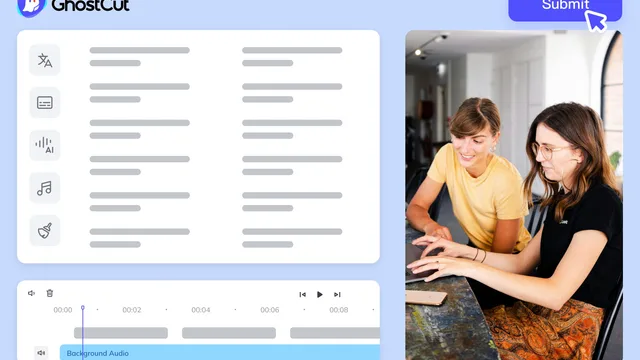

Localize finished video with subtitle replacement, translation, and dubbing.
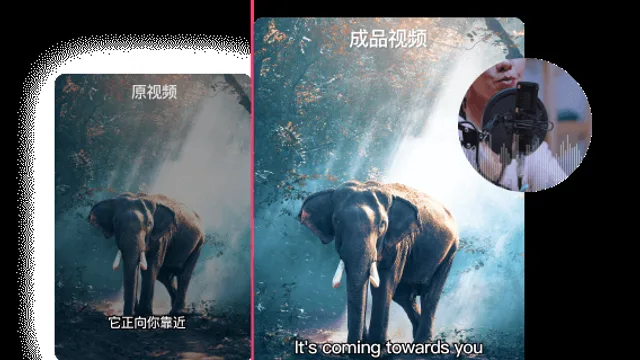

Recognize speech and prepare editable bilingual video subtitles.
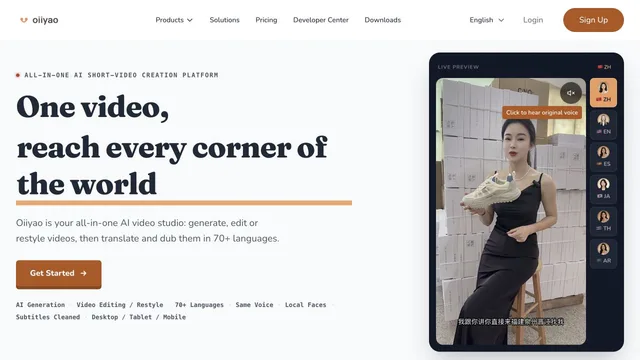

Localize videos with translated speech, lip sync, and editable visuals.