
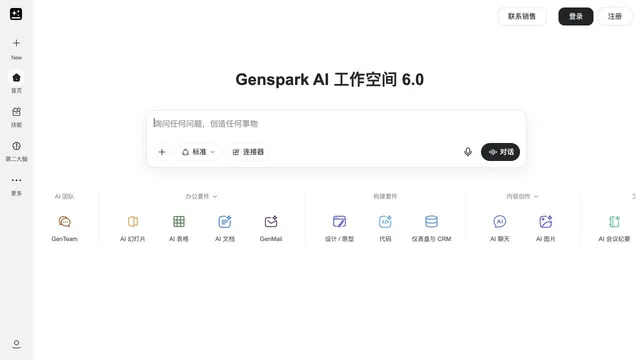

Connect research, presentations and agent-directed media production.
Updated
An agent that runs from the calendar, not from a chat box.
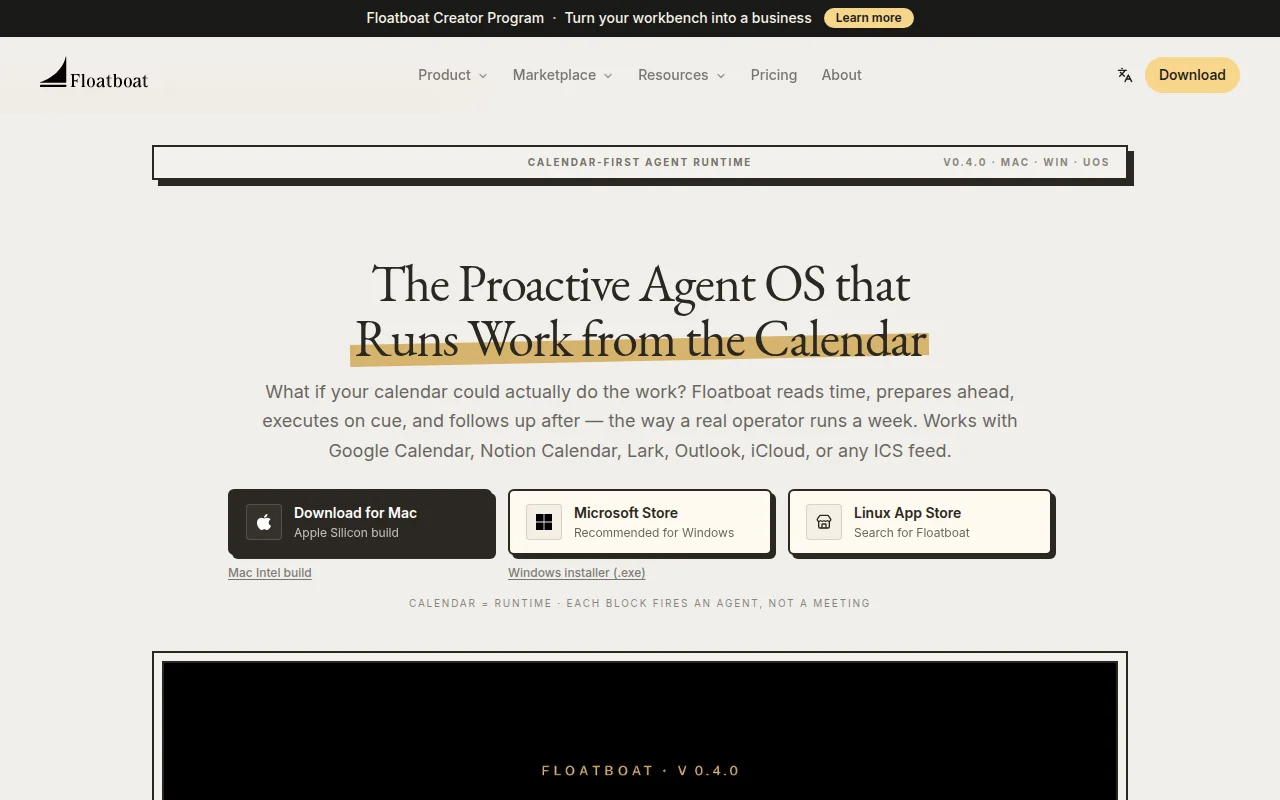
Floatboat treats the calendar as the trigger. It prepares before an event, acts when the block starts, and follows up after. It connects Google Calendar, Notion Calendar, Lark, Outlook, iCloud, or an ICS feed. Version 0.4.0 lists Mac, Windows, and a Linux app store, plus an iOS app called FloatIM. A pricing page exists.
Connect one calendar, attach an agent to a single event, and read what it prepared before the meeting.
A pricing page is linked. It shows both US dollar and yuan amounts. We did not map each amount to a named plan, so no price is stated here.
A free tier was not clearly named in the homepage text.
Prices checked . Official pricing page
In. A calendar event.
Out. Prep, an action during the block, and a follow-up.
Formats. Desktop and iOS apps. v0.4.0.
The pricing page mixes dollar and yuan amounts. This profile does not assign those figures to plan names.
This profile summarizes public product information and adds workflow guidance. It is not a hands-on performance review. Check the official website for current prices, limits, and availability.
Source check:
Connect research, presentations and agent-directed media production.
Updated
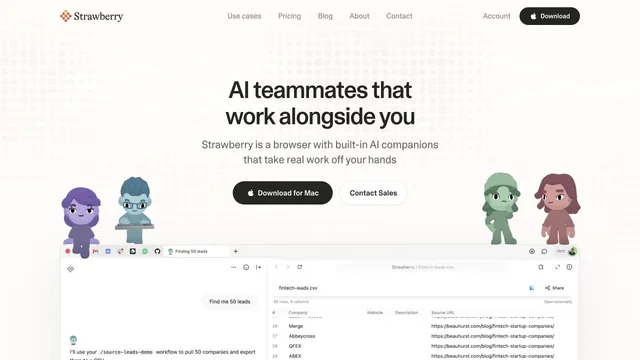
Use browser context and personal agents to research and create visual work.
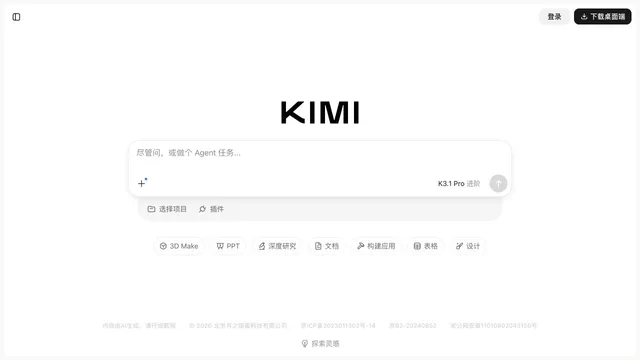
Delegate creative preparation to a proactive personal work agent.
Launched Updated


