AI creative canvases
Adobe Firefly
Develop visual ideas and assemble media in Adobe’s creative workspace.
What it does
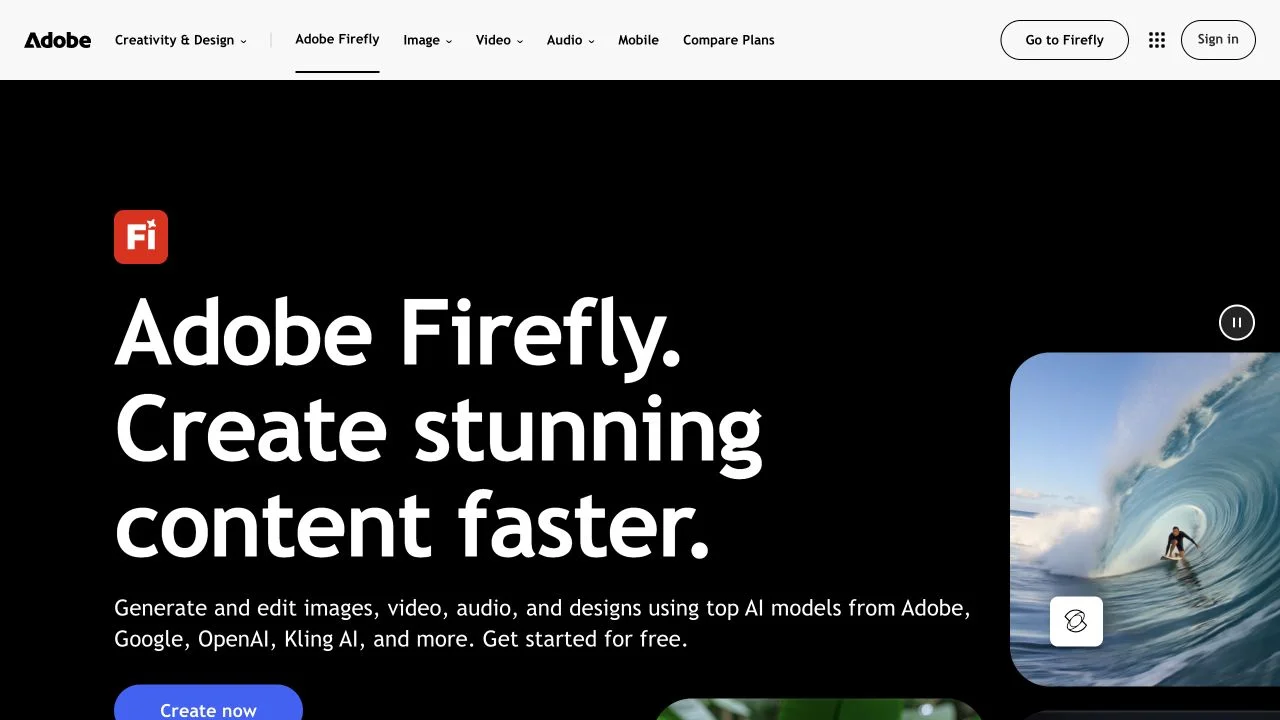
Adobe Firefly brings image, video, and audio generation together with creative editing workflows. Firefly Boards provides a shared canvas for references and visual exploration, while the browser video editor offers a timeline for assembling clips and sound. Adobe and partner models sit alongside these tools, giving projects several routes from an initial idea to a structured sequence.
Where it fits
Gather references in Boards and explore a visual direction with the appropriate generation or editing tool. Move selected clips into a timeline, arrange the sequence and audio, then review continuity and the final output before downloading it.
Before you commit
The browser video editor is in beta; model availability and generative-credit requirements vary.
Release & update notes
Dates below refer to the linked announcement or Product Hunt launch. They are separate from the date this profile was added.
- Official announcement / update · ↗
Official Adobe announcement: remove video backgrounds, expanded image ratios, and video reference inputs. Feature update, not Firefly or video-editor launch.
Sources & editorial notes
This profile summarizes public product information and adds workflow guidance. It is not a hands-on performance review. Check the official website for current prices, limits, and availability.
- Official product website
- Official product announcements
- Official workspace guide identifies Boards for shared ideation and Timeline for browser video editor beta.
Source check: