
Creative agents & workspaces
Steve AI
Turn ideas, scripts, and audio into narrated story videos.
What it does
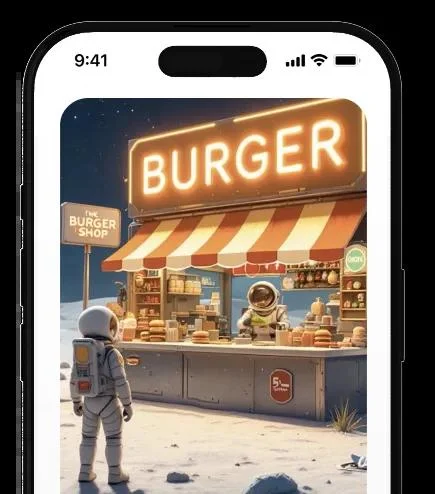
Steve AI creates structured videos from prompts, scripts, audio, images, and other written material. Its official site describes animated, generative, and live-action output styles, with narration and multiple voices for conversational storytelling. The platform also lists motion effects, short-clip creation, animated talking-head characters, and an editor, supporting both story development and later presentation changes.
Where it fits
Begin with a clear outline or approved script, then choose an output style appropriate to the audience. Generate the first story, review the selected visuals and narration, and revise pacing or motion effects. Check every factual statement and asset choice before downloading the final version.
Before you commit
The final style and asset mix depend on the workflow; review factual accuracy, narration, and usage rights before sharing.
Sources & editorial notes
This profile summarizes public product information and adds workflow guidance. It is not a hands-on performance review. Check the official website for current prices, limits, and availability.
Source check:
Keep exploring





Coordinate scripts, storyboards, assets, and editing on shared canvases.