
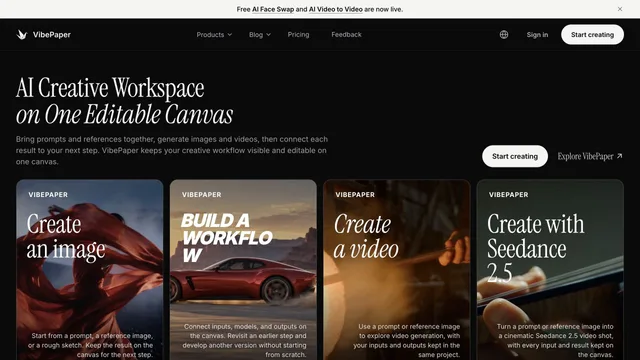
Creative agents & workspaces
PixTV
Explore image, video, and audio creation in a visual workspace.
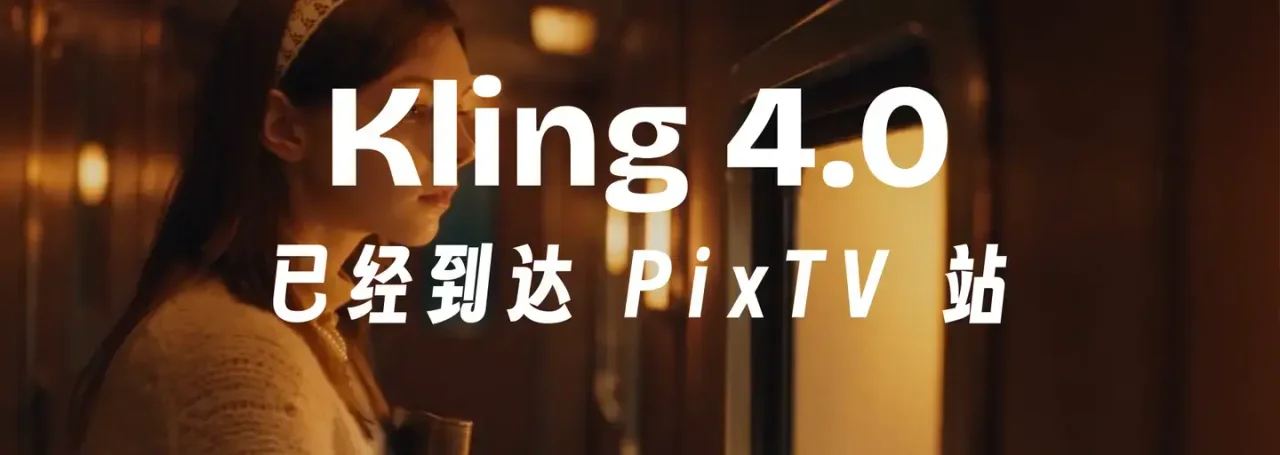
What it does
PixTV brings several generative media tasks into a single creation platform. Its current public interface includes image, video, audio, and text creation, plus storyboard, inpainting, and prompt-related tools. Creators can browse examples and choose models appropriate to a task while keeping the project’s visual direction in view.
Where it fits
Begin with the reference or idea that defines the project, then select a suitable image or video workflow. Establish a consistent visual direction before generating variants, and check the inputs supported by the selected model.
Before you commit
Model availability and supported controls differ by task; inspect the chosen mode before preparing references.
Sources & editorial notes
This profile summarizes public product information and adds workflow guidance. It is not a hands-on performance review. Check the official website for current prices, limits, and availability.
Source check:
Keep exploring


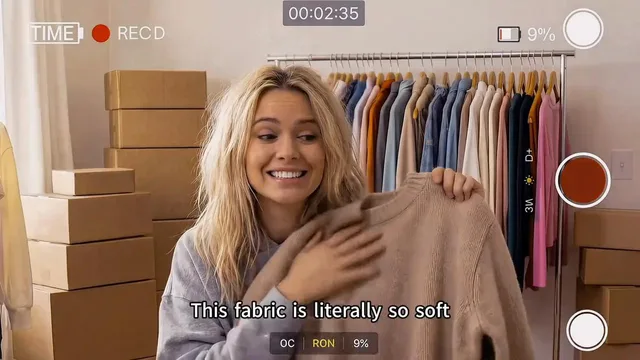


Coordinate scripts, storyboards, assets, and editing on shared canvases.