
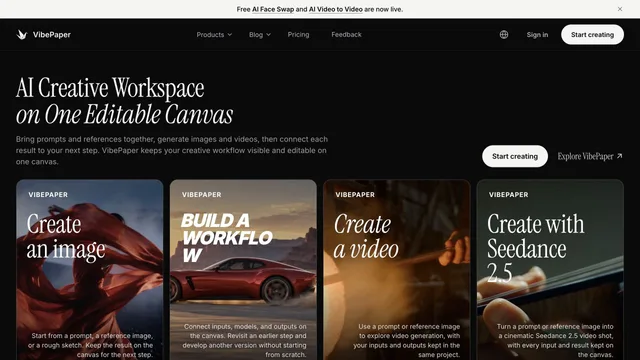
Creative agents & workspaces
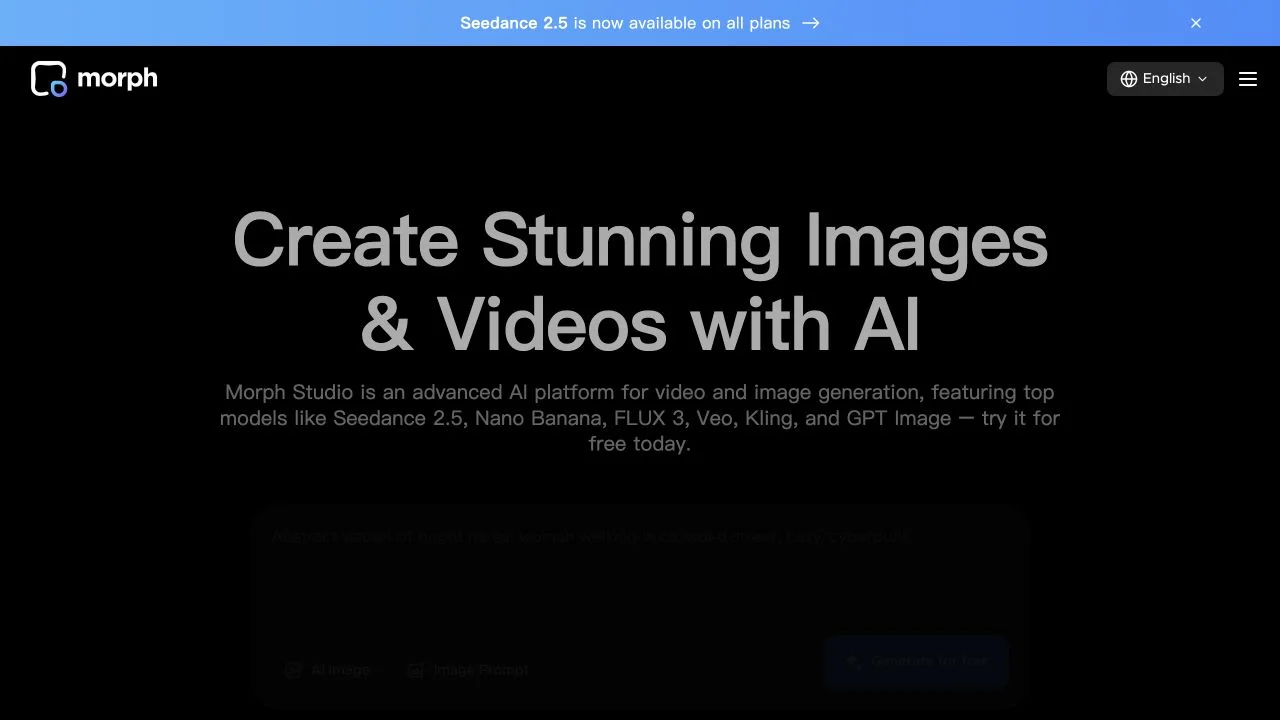
Morph Studio
Generate media quickly or arrange connected creations on an open canvas.
What it does
Morph Studio combines AI image and video generation with two workspace modes: a prompt-oriented Immersive Space and an Open Canvas for arranging and connecting creations. Its official site also describes video style transfer and image-based transformation. This gives creators a choice between quickly exploring an individual visual idea and developing a more structured sequence of related assets.
Where it fits
Explore the visual direction in the prompt workspace, then arrange selected images and shots on the canvas. Apply style changes deliberately and review recurring subjects before connecting the generated assets into a complete story.
Before you commit
Different models and transformations accept different source material; inspect the selected mode before preparing a large set of inputs.
Sources & editorial notes
This profile summarizes public product information and adds workflow guidance. It is not a hands-on performance review. Check the official website for current prices, limits, and availability.
Source check:
Keep exploring





Coordinate scripts, storyboards, assets, and editing on shared canvases.