
Creative agents & workspaces
Luma
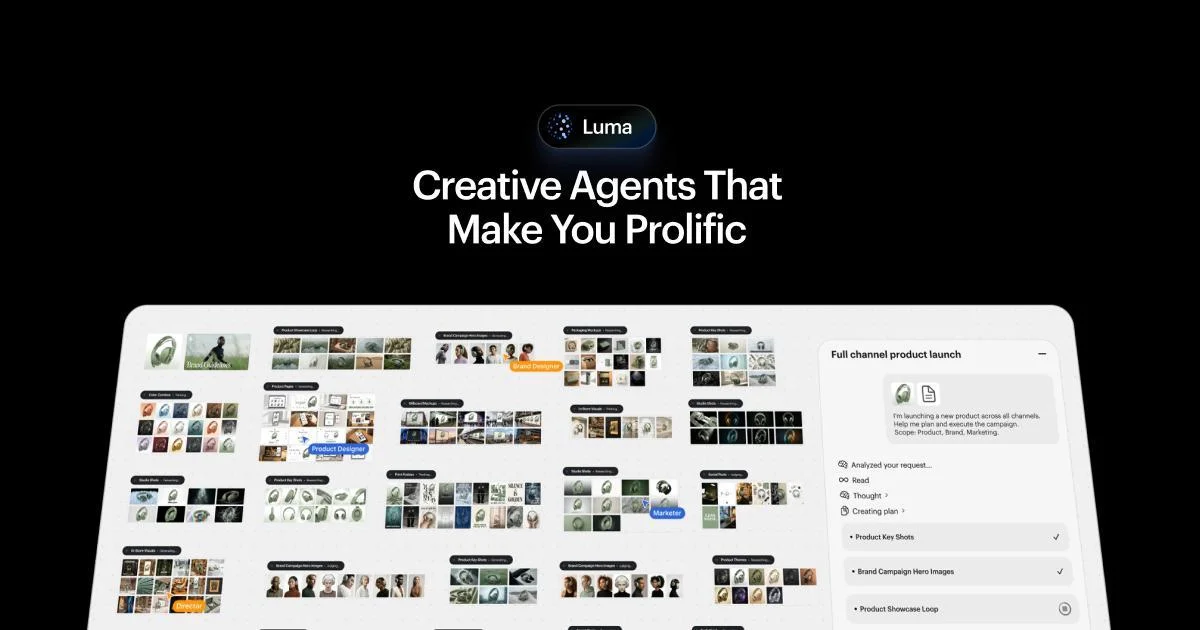
Develop visual campaigns with Luma’s creative agent and video models.
What it does
Luma’s former Dream Machine entry now leads to a broader creative-agent workspace. The current official page describes parallel creative directions, shared brand context, image and video models, and connectors for creative tools. Its Ray model demonstrations include performance and motion transfer, product swaps, character transformation, and relighting, alongside boards for organizing production material.
Where it fits
Provide a visual brief with brand references and the formats you need. Develop a few directions on a board, then refine a selected image or video with the available generation and editing controls. Review consistency across outputs before sharing final assets.
Before you commit
The product has expanded beyond its original Dream Machine interface; check current plans, model access, and export settings.
Sources & editorial notes
This profile summarizes public product information and adds workflow guidance. It is not a hands-on performance review. Check the official website for current prices, limits, and availability.
Source check:
Keep exploring



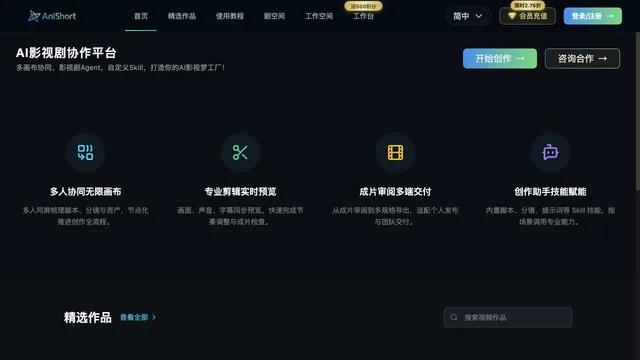

Coordinate scripts, storyboards, assets, and editing on shared canvases.