
AI avatars & presenters
DreamFace
Animate a presenter from text or audio and explore related visual tools.
What it does
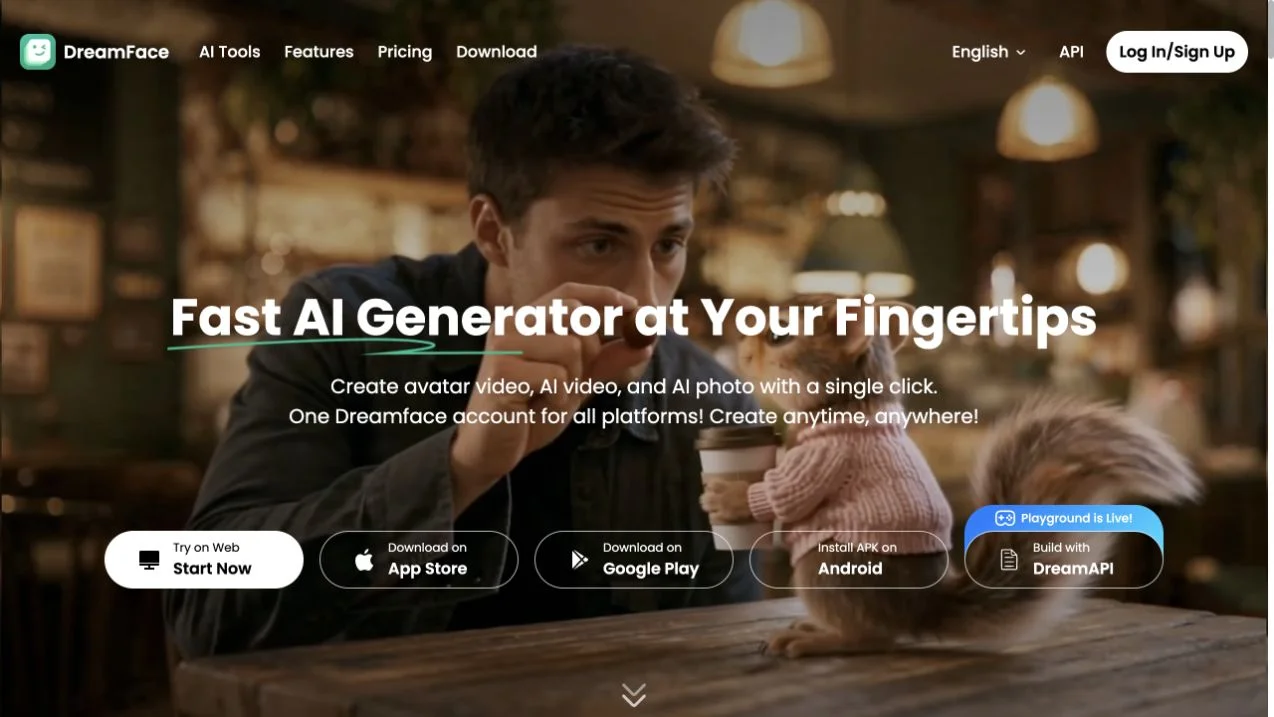
DreamFace offers avatar video alongside AI image and video creation. Its official site describes supplying text or audio to create a speaking avatar, and provides an Act tool for expressive character movement. Canvas and agent entry points sit beside photo enhancement, filters, and background removal, supporting both presenter material and the visuals around it.
Where it fits
Prepare a short script or clean audio track and choose the appropriate avatar workflow. Review pronunciation, lip movement, and expression before expanding the piece; use related image tools only where they support the same visual direction.
Before you commit
Check the selected avatar or action tool’s input requirements and review lip movement with the actual audio track.
Sources & editorial notes
This profile summarizes public product information and adds workflow guidance. It is not a hands-on performance review. Check the official website for current prices, limits, and availability.
Source check:
Keep exploring





Create narrated videos with avatars, voiceovers, and translated speech.