
AI video generation
Decohere
Develop image ideas quickly, then animate the selected frame.
What it does
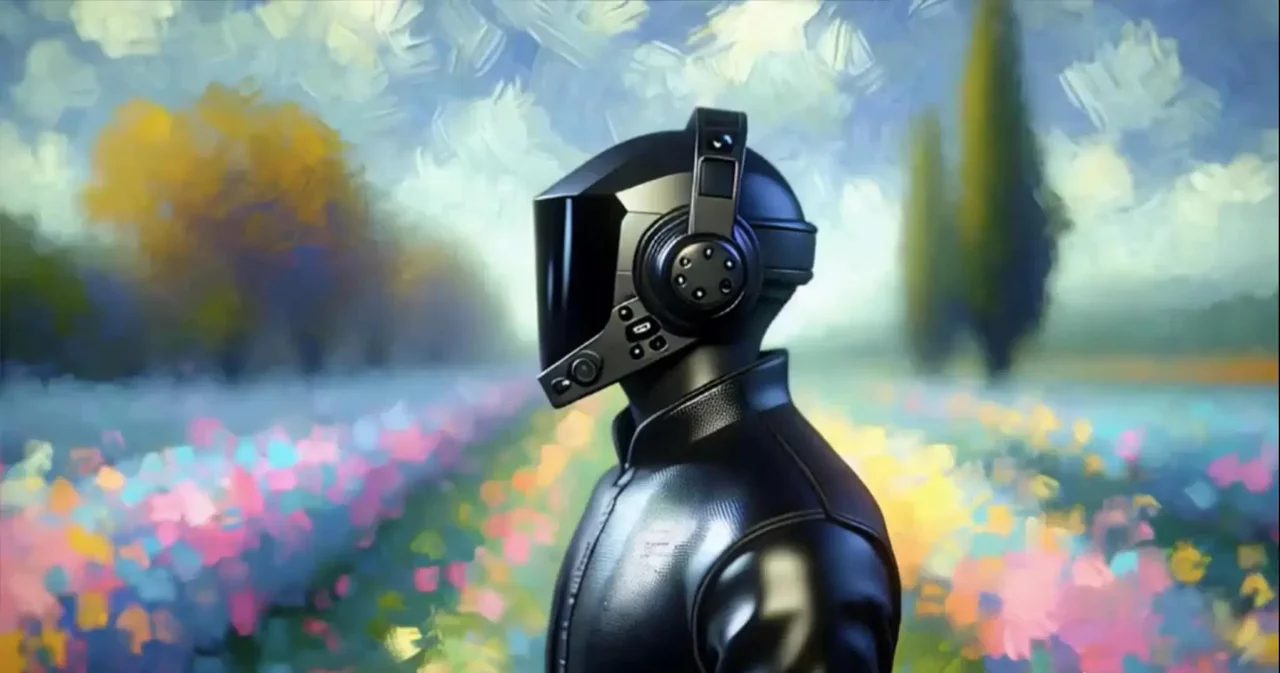
Decohere connects real-time image exploration with image-to-video generation. Its official feature pages describe refining visual prompts, browsing variations, animating a generated or uploaded image, and controlling the resulting motion. Character creation, a reference-person feature, image editing, and a creative upscaler provide additional ways to develop the starting visual before turning it into a clip.
Where it fits
Explore a concise image prompt until the subject and composition are clear. Refine or upscale the selected frame, then use it as the video starting image. Describe a focused motion and inspect the generated clip for subject consistency and unwanted changes.
Before you commit
Motion can change fine image details; validate a short output and review the selected model and usage terms.
Sources & editorial notes
This profile summarizes public product information and adds workflow guidance. It is not a hands-on performance review. Check the official website for current prices, limits, and availability.
Source check:
Keep exploring