
AI avatars & presenters
Artflow
Train a reusable actor identity and direct it in images or video.
What it does
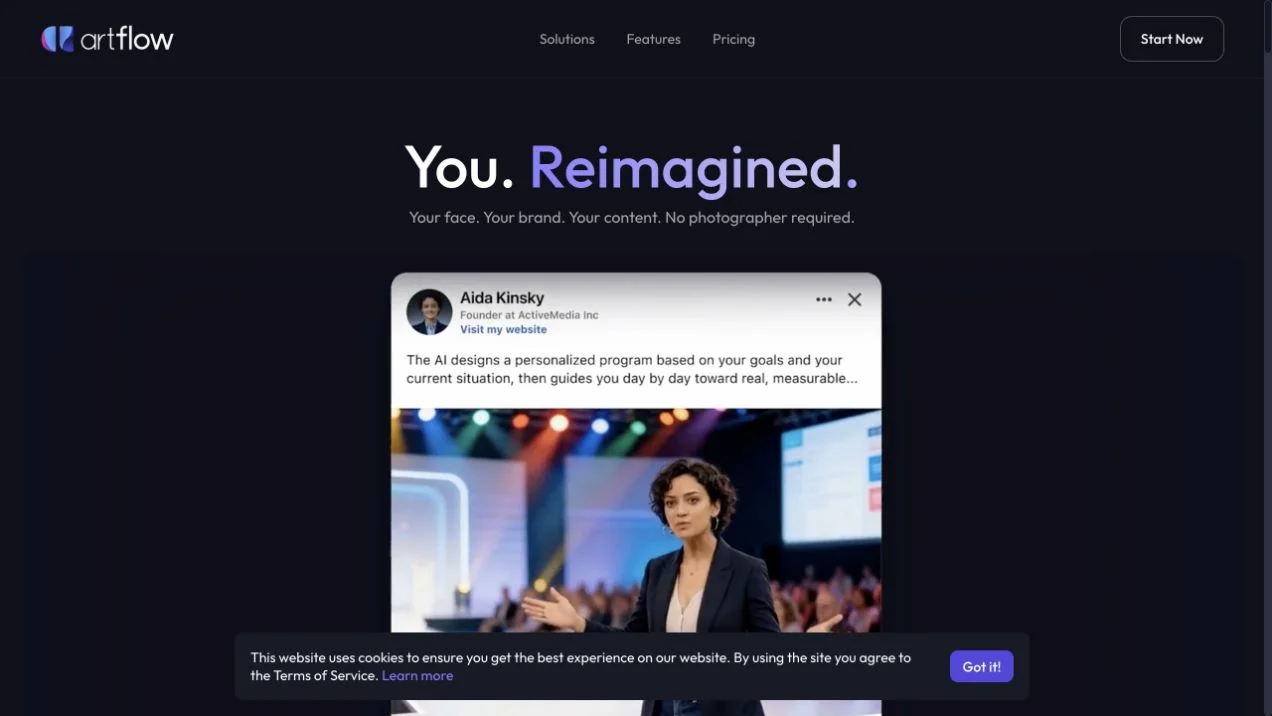
Artflow creates visual media around reusable digital actors trained from photographs. Its current official guides explain preparing an actor, mentioning it in image prompts, and using Allium Video to describe action, setting, and camera behavior directly. Reference images can guide wardrobe or locations, while other workflows remain available for animating an existing image.
Where it fits
Train an actor from clear, varied photographs and inspect its preview before continuing. Select the actor in Studio, describe the intended shot, add scene or wardrobe references when useful, and review identity and motion in the result.
Before you commit
Use suitable authorized photographs and inspect identity across different angles; actor references do not eliminate the need for visual review.
Sources & editorial notes
This profile summarizes public product information and adds workflow guidance. It is not a hands-on performance review. Check the official website for current prices, limits, and availability.
Source check:
Keep exploring



Create narrated videos with avatars, voiceovers, and translated speech.